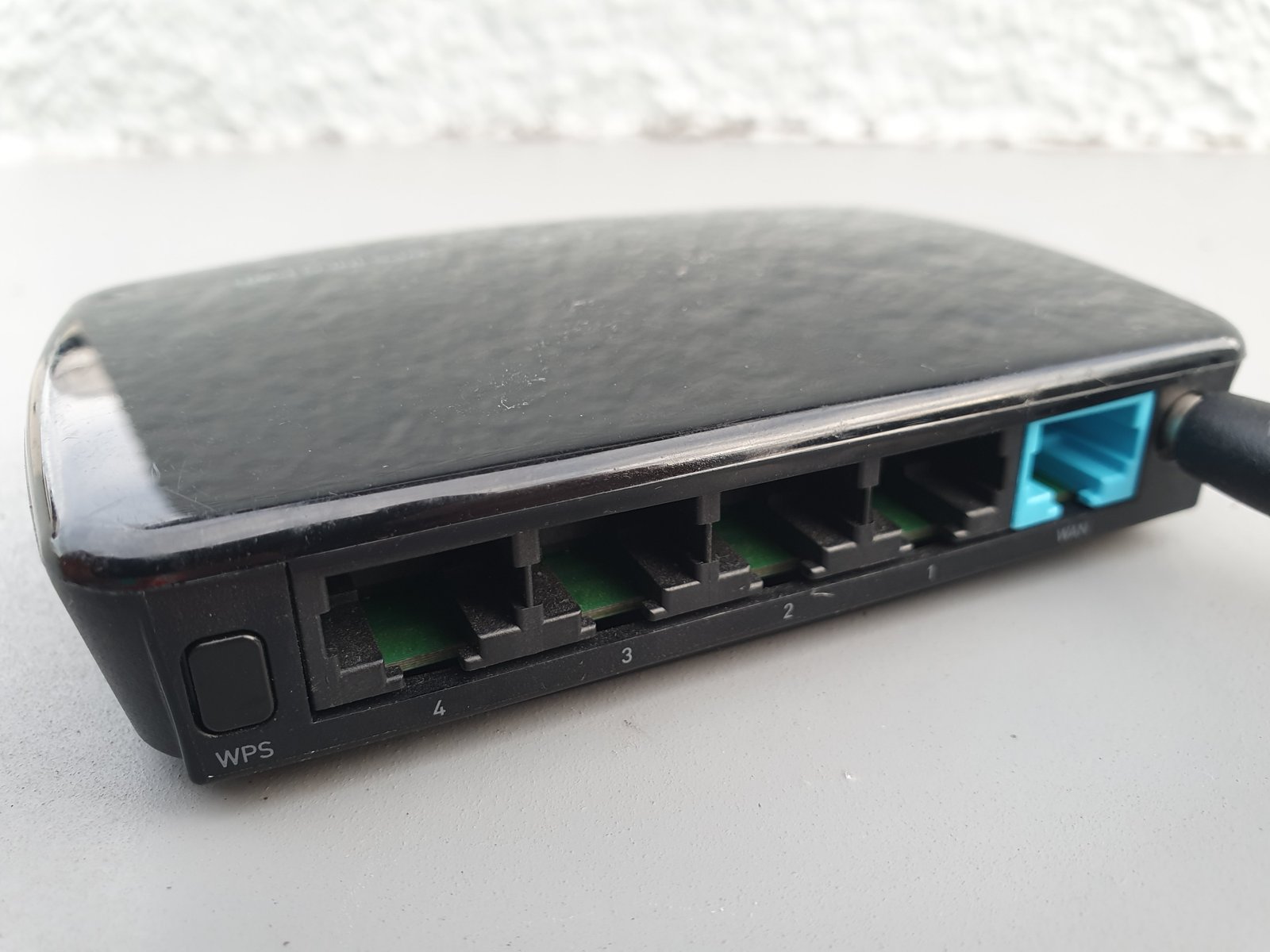
Wi-Fi 7 is the newest major generation of mainstream Wi-Fi hardware, and the marketing around it can make older routers look obsolete overnight. In reality, an upgrade is useful only when your devices, home layout, internet connection, and local network traffic can benefit from the new features.
This guide explains Wi-Fi 7 in plain English. You will learn what Multi-Link Operation does, why 6 GHz matters, what wider channels change, which devices can connect, and how to decide whether a new router or mesh system is worth the cost.
Wi-Fi 7 is an evolution, not a complete replacement
Wi-Fi 7 builds on ideas introduced in Wi-Fi 6 and Wi-Fi 6E. It improves how devices use available spectrum, increases maximum channel width, and allows compatible devices to combine or coordinate multiple links.
The standard is based on IEEE 802.11be. The Wi-Fi Alliance certifies products for interoperability under the Wi-Fi CERTIFIED 7 program.
Older devices still work
A Wi-Fi 7 router is backward compatible with many Wi-Fi 6, Wi-Fi 5, and older devices. Those older devices do not gain every Wi-Fi 7 feature, but they can usually connect on supported bands.
The biggest feature is Multi-Link Operation
Traditional Wi-Fi clients generally communicate over one band or channel at a time. Multi-Link Operation, often shortened to MLO, lets compatible Wi-Fi 7 devices use more than one link in a coordinated way.
Depending on the implementation, this can improve throughput, reduce latency, or provide a more resilient path when one band becomes busy.
Think of MLO as coordinated lanes
Instead of forcing all traffic through one lane, a compatible device may use multiple available lanes more intelligently.
MLO requires support on both sides
A Wi-Fi 7 router alone does not give an older phone MLO. The client device must also support the feature.
This is why upgrading only the router may produce modest results if most of your phones, laptops, TVs, and smart devices are older.
Wi-Fi 7 can use 2.4 GHz, 5 GHz, and 6 GHz
The 2.4 GHz band offers longer range but more congestion and lower practical speeds. The 5 GHz band balances range and speed. The 6 GHz band offers more clean spectrum but shorter range through walls.
Wi-Fi 6E introduced consumer use of 6 GHz in supported regions. Wi-Fi 7 expands what compatible devices can do with it.
6 GHz is excellent at short range
In the same room or nearby, 6 GHz can provide fast, low-congestion connections. Across several walls, 5 GHz may be more reliable.
320 MHz channels can increase capacity
Wi-Fi 7 can support 320 MHz channels in the 6 GHz band where regulations and available spectrum allow it.
A wider channel can carry more data, similar to widening a road.
Wider is not always better
Very wide channels need clean spectrum and compatible devices. In a busy apartment building, narrower channels can sometimes provide more consistent performance.
4K-QAM increases data density
Wi-Fi 7 can use 4096-QAM, often called 4K-QAM, under strong signal conditions.
This allows more data to be encoded into each transmission compared with earlier modulation modes.
Signal quality matters
The highest modulation rates are most useful near the access point. At longer range, the connection falls back to more robust modes.
Preamble puncturing can avoid interference
A wide Wi-Fi channel may contain a small section affected by interference. Older approaches could force the system to avoid the entire channel width.
Preamble puncturing can allow compatible equipment to use the clean parts while avoiding the affected portion.
This helps in real environments
Homes and offices rarely have perfectly clean spectrum. Flexible use can improve efficiency.
Wi-Fi 7 does not make your internet plan faster
If your internet connection is 300 Mbps, a Wi-Fi link capable of several gigabits does not turn that plan into multi-gigabit internet.
The faster local network can still help with file transfers, backups, media servers, and communication between devices inside the home.
Separate internet speed from Wi-Fi speed
Run a wired test near the router to understand the internet connection before blaming Wi-Fi.
Multi-gig internet needs multi-gig Ethernet
If you buy a 2 Gbps, 5 Gbps, or faster internet plan, the router needs a WAN port that can accept that speed.
Your local Ethernet ports, switches, and wired devices may also need 2.5 GbE, 5 GbE, or 10 GbE to avoid bottlenecks.
Check every link in the chain
A 10 Gbps router connected to a 1 Gbps switch will still limit devices behind that switch to around gigabit speeds.
Mesh Wi-Fi benefits from better backhaul
Mesh systems need a connection between nodes, called backhaul.
Wi-Fi 7 mesh products may use multiple bands and MLO to improve wireless backhaul, while wired Ethernet backhaul can still provide excellent consistency.
Wired backhaul remains valuable
If your home already has Ethernet, using it between mesh nodes can free wireless capacity for client devices.
Do not add too many mesh nodes
More access points do not always improve coverage. Nodes that are too close can create unnecessary interference and roaming confusion.
Place nodes where they still receive a strong upstream connection.
Router placement still matters more than the logo
A Wi-Fi 7 router hidden in a metal cabinet in one corner of a large house can perform worse than a well-placed older system.
Put the main access point in an open, central position where practical.
Avoid obvious obstacles
Metal, concrete, large mirrors, appliances, and dense walls can reduce signal quality.
Check your device support before buying
Look at the exact wireless chipset or manufacturer specification for phones, laptops, tablets, and desktops.
A product released recently is not automatically Wi-Fi 7 compatible.
Operating-system support also matters
Drivers and platform software must support the hardware correctly.
Wi-Fi 7 on phones
High-end phones increasingly include Wi-Fi 7 radios, but regional features can vary.
Phone use rarely needs multi-gigabit speed for ordinary browsing. The benefit may be lower latency and better performance in crowded networks.
Wi-Fi 7 on laptops
Laptops can benefit more when moving large files, using fast network storage, or connecting to high-speed local services.
Some laptops can be upgraded with compatible wireless cards, but antenna, BIOS, driver, and platform support must be checked.
Gaming and latency
Wi-Fi 7 can reduce latency in good conditions, especially with MLO and clean spectrum.
Ethernet remains the most predictable option for competitive gaming and latency-sensitive desktop setups.
Internet routing still matters
A better wireless link cannot fix a congested ISP route or distant game server.
VR and wireless streaming
Local high-bandwidth wireless applications such as PC-to-headset streaming can benefit from clean 6 GHz spectrum and low latency.
Keep the access point close and reduce competing traffic.
NAS and local file transfers
If you have a fast NAS, Wi-Fi 7 can make wireless local transfers more useful.
The NAS, switch, and router ports need enough wired bandwidth to feed the wireless connection.
Smart home devices do not need Wi-Fi 7
Many smart plugs, bulbs, and sensors use very little bandwidth and remain on 2.4 GHz Wi-Fi or other protocols.
Do not replace working smart devices just to match the newest router.
Security support
Modern Wi-Fi equipment supports WPA3 and current security features.
Use a strong unique Wi-Fi password and keep router firmware updated.
Avoid outdated security modes
Do not enable weak legacy encryption merely to support an obsolete device if you can replace or isolate that device.
Create an IoT network if useful
Many routers provide guest or IoT network options.
Separating simple smart-home devices can reduce unnecessary access to personal computers and storage.
Router updates matter
A new Wi-Fi standard does not guarantee long-term security support.
Check the manufacturer’s update policy and history.
Support lifetime can matter more than peak speed
A router that receives updates for years may be a better purchase than a faster model abandoned quickly.
Look at CPU and software quality
Routers handle firewall rules, NAT, VPNs, parental controls, QoS, storage, and traffic analysis.
A powerful radio cannot compensate for unstable firmware.
QoS can help slower connections
Quality of Service can prioritize latency-sensitive traffic when the internet connection is saturated.
On very fast connections, QoS may be less noticeable.
Do not judge by theoretical speed numbers
Router boxes often add the maximum rates of several bands into one large marketing number.
A single device does not normally achieve the full combined number.
Look for realistic tests
Independent reviews should show same-room, one-room-away, and longer-distance performance.
Apartment users should prioritize interference handling
In dense buildings, dozens of nearby networks share 2.4 and 5 GHz spectrum.
6 GHz can offer cleaner space, but range is shorter.
Large homes should prioritize coverage
A single high-end router may not cover several floors.
A well-designed mesh or wired access-point system can be more useful than one premium router.
Should a Wi-Fi 5 user upgrade?
If your router is old, unstable, unsupported, or unable to handle modern device counts, upgrading can provide a meaningful improvement.
You do not have to jump directly to the most expensive Wi-Fi 7 system. Wi-Fi 6 or 6E may still be cost-effective.
Should a Wi-Fi 6 user upgrade?
If Wi-Fi 6 already covers your home and your internet plan is under 1 Gbps, the practical benefit may be small.
Upgrade when you have Wi-Fi 7 clients, multi-gig internet, fast local networking, or a coverage reason.
Should a Wi-Fi 6E user upgrade?
Wi-Fi 6E already provides 6 GHz access.
Wi-Fi 7 adds MLO, wider channels, and other efficiency improvements, but a good 6E system can remain excellent.
When to wait
Wait if most devices are old, your current router is stable, your internet speed is modest, or Wi-Fi 7 hardware is still expensive in your market.
Networking standards remain backward compatible, so there is little reason to upgrade purely for the label.
When to upgrade now
Upgrade when your router is unsupported, coverage is poor, device load is high, you have several Wi-Fi 7 clients, or you are building a multi-gig home network.
A practical buying checklist
Check Wi-Fi 7 certification. Count 2.5 GbE or faster ports. Check 6 GHz support in your region. Review mesh backhaul options. Look at firmware update policy. Verify device compatibility. Read independent range tests. Check security features. Plan router placement.
Conclusion
Wi-Fi 7 brings useful improvements, especially Multi-Link Operation, wider 6 GHz channels, and better spectrum efficiency. Those features matter most when the whole network can take advantage of them.
Do not upgrade because the theoretical speed number is larger. Check your devices, internet plan, wired network, coverage, and real workloads.
A well-placed, well-supported router that matches your home is more valuable than the newest standard used in the wrong setup.


Leave a Reply