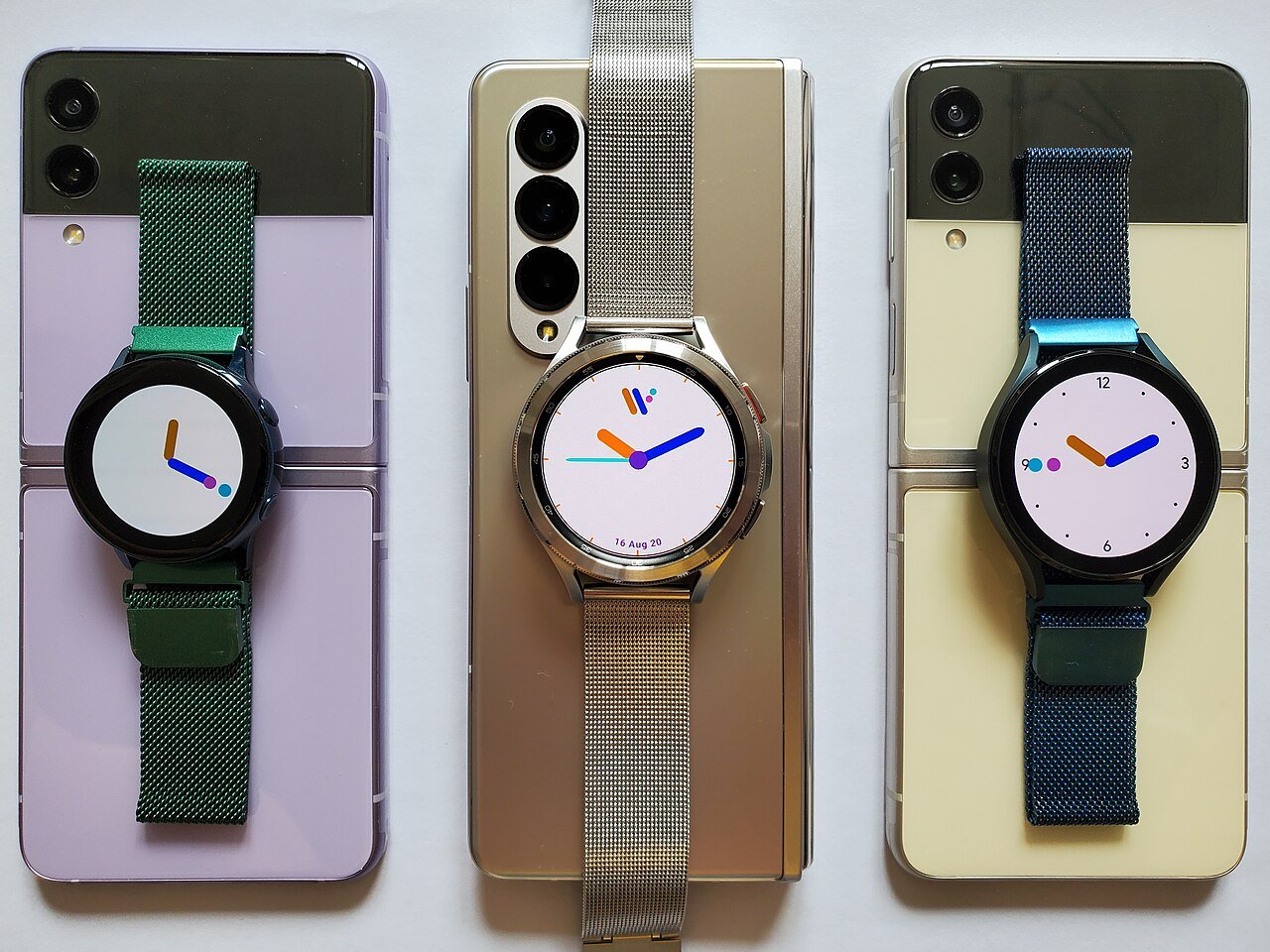
Foldable phones are no longer experimental curiosities. They have become a real premium-phone category with book-style models that open into small tablets and compact flip phones that fold into a smaller pocket shape. The format can be useful, but it also introduces tradeoffs that normal slab phones do not have.
If you are considering a foldable, the important question is not whether folding screens look impressive. It is whether the extra screen flexibility solves a real problem for you and whether you are comfortable with the durability, repair, battery, and cost differences that come with it.
This guide explains how to evaluate a foldable phone in 2026 without getting distracted by launch-day hype.
Start by choosing the foldable style
Most foldables fall into two broad groups. Book-style phones open sideways into a larger inner screen. Flip-style phones fold vertically and become more compact when closed.
Book-style models are aimed at people who want more screen area for reading, multitasking, video, documents, maps, or creative work. Flip-style models focus more on portability and quick access from a cover screen.
Do not compare them as if they solve the same problem
A book-style foldable may replace some tablet use. A flip phone usually does not. A flip model may fit in a small pocket or bag more easily, while a book-style device may be thicker and heavier than a normal phone.
Ask what you will do on the inner screen
The larger display is the main reason to pay for a book-style foldable. List the tasks you would genuinely do there.
Useful examples include reading long documents, running two apps side by side, editing spreadsheets, viewing desktop-like websites, reviewing photos, watching video while messaging, or keeping maps and travel details visible together.
If you cannot name three uses, reconsider the premium
A normal flagship phone may give you better cameras, battery, durability, or lower cost if you rarely use the large inner display.
Try the device in person if possible
Foldables feel different from normal phones. Thickness, weight distribution, hinge resistance, outer-screen width, and one-handed comfort are difficult to understand from specifications.
Open and close the phone several times. Type on the cover screen. Hold it for a few minutes. Check whether the inner display feels natural for reading.
Pay attention to the outer screen
You may use the cover display more often than the inner screen for short tasks. A narrow outer display can make typing uncomfortable. A wider one may feel more like a normal phone but increase the overall size.
Understand the screen crease
Most folding displays still have a visible or touchable crease where the screen bends. How noticeable it is depends on the model, lighting, viewing angle, and content.
A crease may disappear from your attention during normal use, but it can be obvious on bright solid backgrounds or when your finger crosses the fold.
Do not judge from promotional photos
Try a display unit under real lighting. Product renders often hide reflections and crease visibility.
Folding screens need different care
The inner display is flexible and usually covered by a factory-installed protective layer. It can be softer than the glass on a normal phone.
Do not remove or replace the inner protector unless the manufacturer specifically says it is user-serviceable. Avoid pressing sharp objects into the display and keep debris away from the hinge area.
Read the care instructions before purchase
Manufacturers such as Samsung, Google, and other foldable makers publish device-specific care and warranty information. The exact instructions vary.
Check the hinge design
The hinge is one of the most important mechanical parts. It affects how flat the phone closes, whether it can remain open at intermediate angles, how dust is handled, and how thick the device feels.
Look for a smooth action without unusual grinding, uneven resistance, or side-to-side movement.
Intermediate-angle use can be practical
Some foldables can sit half open on a table for video calls, photos, or watching video without a stand. If that matters to you, test whether the software supports useful controls in that position.
Check water and dust resistance separately
A foldable may have a water-resistance rating without having the same dust protection as a traditional flagship phone. Hinges and moving parts make dust management harder.
Read the exact IP rating and the manufacturer explanation. Do not assume “water resistant” means beach sand, construction dust, or fine debris is harmless.
Think about your environment
If you work around dust, sand, metal filings, or outdoor debris, a conventional rugged phone may be a safer choice.
Repair cost should affect your decision
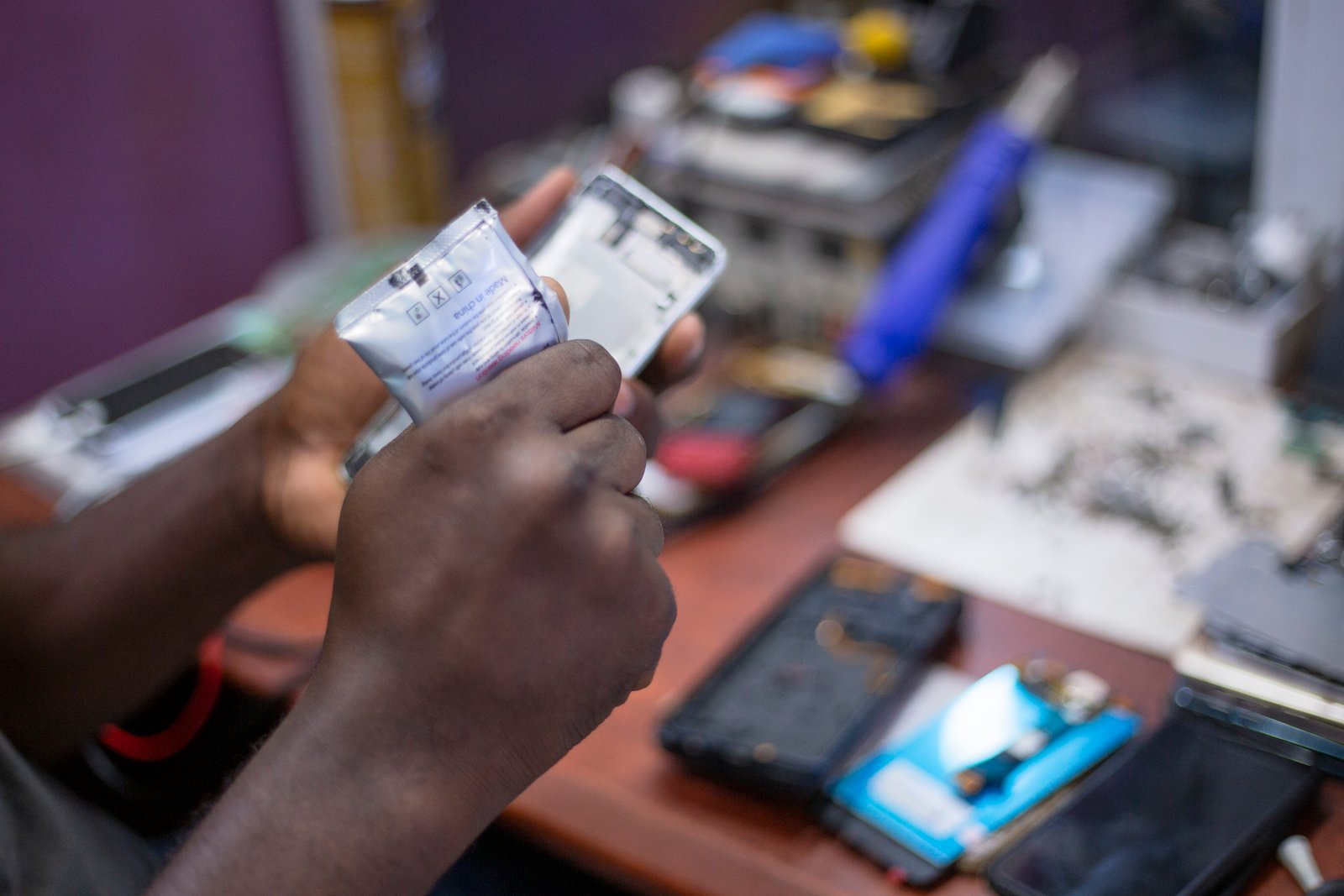
A foldable’s inner screen and hinge system can be expensive to repair outside warranty. Check official repair pricing or protection-plan terms before buying.
Also check whether repair service is available where you live or travel.
Insurance may be more valuable for foldables
Device protection can make sense when the replacement cost of the folding display is high. Compare the plan price, deductible, accidental-damage limits, replacement conditions, and exclusions.
Do not assume the warranty covers every display issue
Standard warranty usually covers manufacturing defects, not every type of accidental damage. Damage caused by impact, pressure, liquid outside rated conditions, or improper protector removal may be excluded.
Read the actual warranty instead of relying on a retailer’s summary.
Battery capacity can be a compromise
Foldables need space for hinges and multiple display sections, which can limit battery design. The large inner display can also use more power when active.
Compare real battery tests, not only capacity numbers.
Test your likely use pattern
If you use the inner display for several hours of navigation, multitasking, or video, battery behavior may differ from a reviewer who mostly uses the cover screen.
Charging speed matters differently on a foldable
If battery life is only average, fast wired charging can be useful. Check which charging standard the phone supports and whether the required adapter is included.
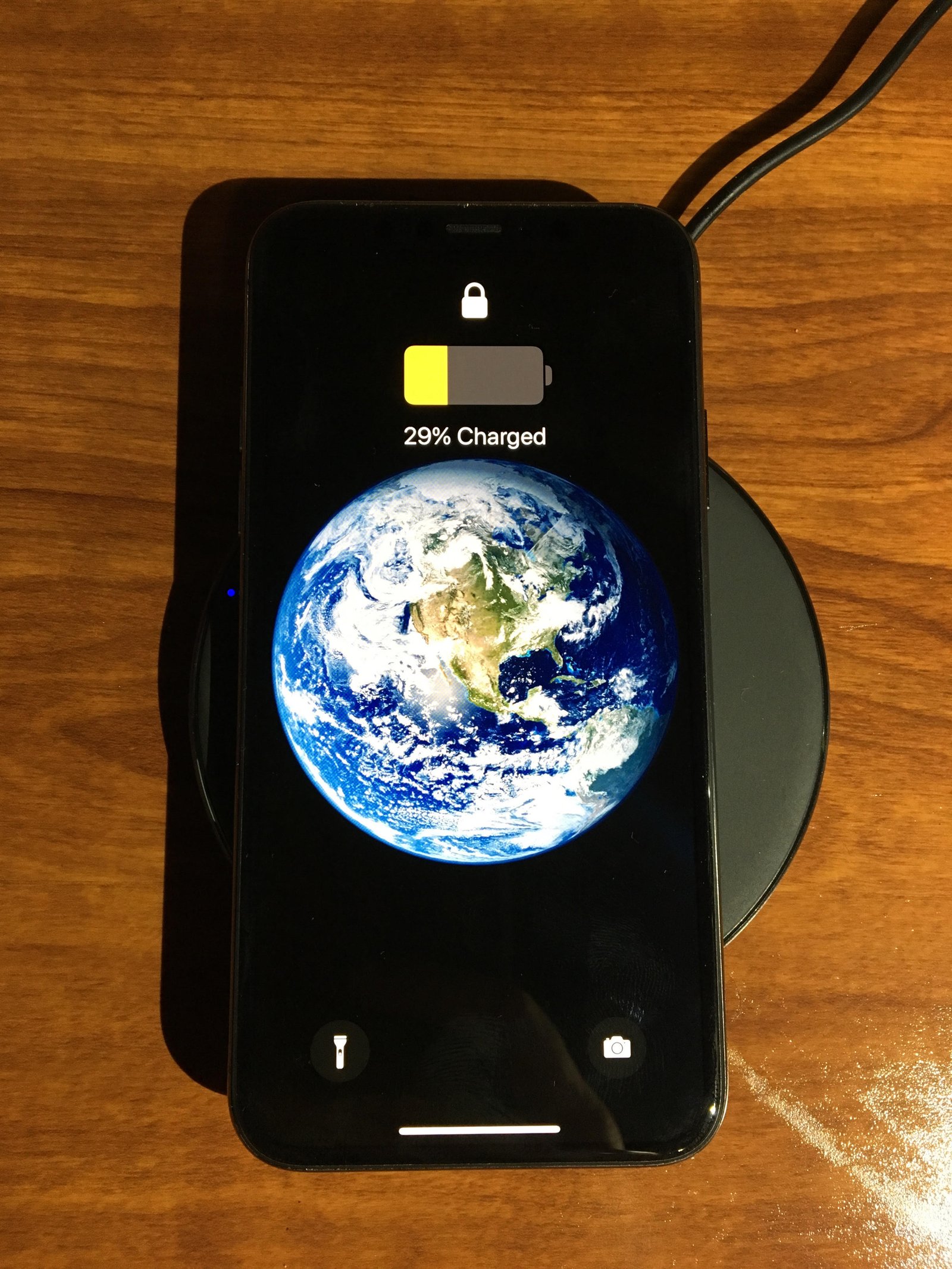
Wireless charging adds convenience but can produce more heat, especially during heavy use.
Cameras may not match a normal flagship at the same price
A foldable can cost as much as a top camera phone while using smaller sensors or fewer premium lenses because internal space is limited.
If photography is a top priority, compare camera samples against a conventional flagship in the same price range.
Foldables do have unique camera advantages
You may be able to use the main cameras for selfies while previewing on the cover screen or place the half-open phone on a surface as its own tripod.
Software quality is critical
A large folding screen only helps when apps and the operating system use it well.
Check split-screen support, taskbar or app dock behavior, drag-and-drop, app continuity when opening and closing, keyboard layout, and whether your important apps scale correctly.
Some apps still behave like stretched phone apps
A large canvas is not useful if the app simply enlarges the same narrow interface. Test the apps you use for work, banking, media, and communication.
Multitasking can justify a book-style foldable
Running two apps side by side is one of the strongest practical advantages. You can read an email while checking a calendar, compare a map with a booking, or watch a training video beside notes.
Three-app layouts are possible on some devices, but more windows are not always more productive.
Use saved app pairs when supported
If you often open the same combination, such as calendar and email, saving the pair can make the foldable feel more purposeful.
Check stylus support if you take notes
Some book-style foldables support a pen on the inner display. This can be useful for annotation, sketches, signatures, and handwritten notes.
Confirm which stylus is compatible and whether there is built-in storage. Some devices require a special pen designed for a softer folding screen.
The cover screen should handle quick tasks well
You should not need to unfold a phone to check every message, scan a code, change music, answer a call, or open a map.
On flip phones, the usefulness of the cover screen can make a major difference in daily convenience.
Check which apps run on the cover display
Some systems allow full apps. Others limit you to widgets and selected functions.
Thickness is more noticeable in pockets than on spec sheets
A folded book-style phone can be roughly twice the thickness of one display section. Cases add more bulk.
Compare the folded thickness with your current phone plus case.
Weight affects long reading sessions
A large-screen foldable can be heavier than a normal phone. Holding it one-handed for twenty minutes may feel different from a short store demo.
If you plan to read or watch video often, consider whether you will use a stand.
Cases are more complicated
A foldable case may use adhesive strips, separate front and back sections, hinge protection, or bulky bumpers.
Check whether the case interferes with gestures, wireless charging, cover-screen access, or the hinge.
Hinge-protection cases add bulk
They can reduce impact risk but make an already thick device larger. Decide based on your drop history and work environment.
Screen protectors are not normal accessories
The inner screen may require a specific manufacturer-approved protector. Do not install a random rigid glass protector over a folding panel.
The cover screen is usually more conventional and may support normal protectors.
Check long-term software support
A premium foldable should remain supported for years. Verify the manufacturer’s update policy for the exact model.
Long support matters because the phone may cost more and be expensive to replace.
Consider resale value carefully
Foldables can depreciate differently from mainstream flagships. Buyers of used devices may worry about hinge wear, screen condition, and repair cost.
If you upgrade frequently, check current trade-in programs and used-market prices rather than assuming high resale value.
Buying refurbished requires extra checks
Inspect the hinge, inner screen, protector edges, crease area, frame gaps, cameras, outer screen, battery health, and warranty status.
A cheap foldable with an unknown repair history can become expensive quickly.
Ask about replaced screens and hinges
Professional replacement is not automatically bad, but you should know what was changed and whether the repair has coverage.
Who benefits most from a book-style foldable
People who read, multitask, work with documents, travel with maps and bookings, review images, or want a tablet-like screen without carrying a second device can benefit.
The value is highest when the large display replaces another device or changes how you work.
Who benefits most from a flip foldable
People who want a compact pocket shape, enjoy hands-free half-open use, or want quick cover-screen access may like flip models.
The main advantage is portability rather than productivity.
Who should probably buy a normal phone
If you prioritize maximum durability, best camera for the price, longest battery life, lowest repair risk, or simple one-handed use, a traditional flagship may be better.
A foldable is not an automatic upgrade simply because it has more display area.
Use a three-year cost comparison
Compare purchase price, case, insurance, likely battery service, potential screen repair, and resale value.
A foldable that replaces a tablet may justify the premium. A foldable bought mainly for novelty may not.
Test your important apps before the return window ends
Install banking, work, media, navigation, camera, password manager, and communication apps. Use split screen. Rotate the inner display. Open and close the phone during tasks.
Return policies are most useful when you test real behavior instead of admiring the hardware for a few days.
A practical foldable buying checklist
Choose book or flip style. Test cover-screen comfort. Inspect crease visibility. Check hinge feel. Verify IP ratings. Read warranty and repair pricing. Compare real battery tests. Check cameras. Test multitasking and app scaling. Confirm software-support length. Price a suitable case and protection plan. Calculate total ownership cost.
Conclusion
Foldable phones are useful when the folding design solves a specific problem. Book-style models can give you a genuinely larger workspace in a pocketable device. Flip models can make a large phone much smaller when carried.
The premium brings tradeoffs: more moving parts, softer inner screens, potentially higher repair cost, thicker cases, and sometimes compromises in battery or cameras. Evaluate those differences before you focus on the novelty of the hinge.
If you can name the daily tasks that improve because the phone folds, the format may be worth it. If not, a conventional flagship can still offer better value and fewer compromises.
Leave a Reply