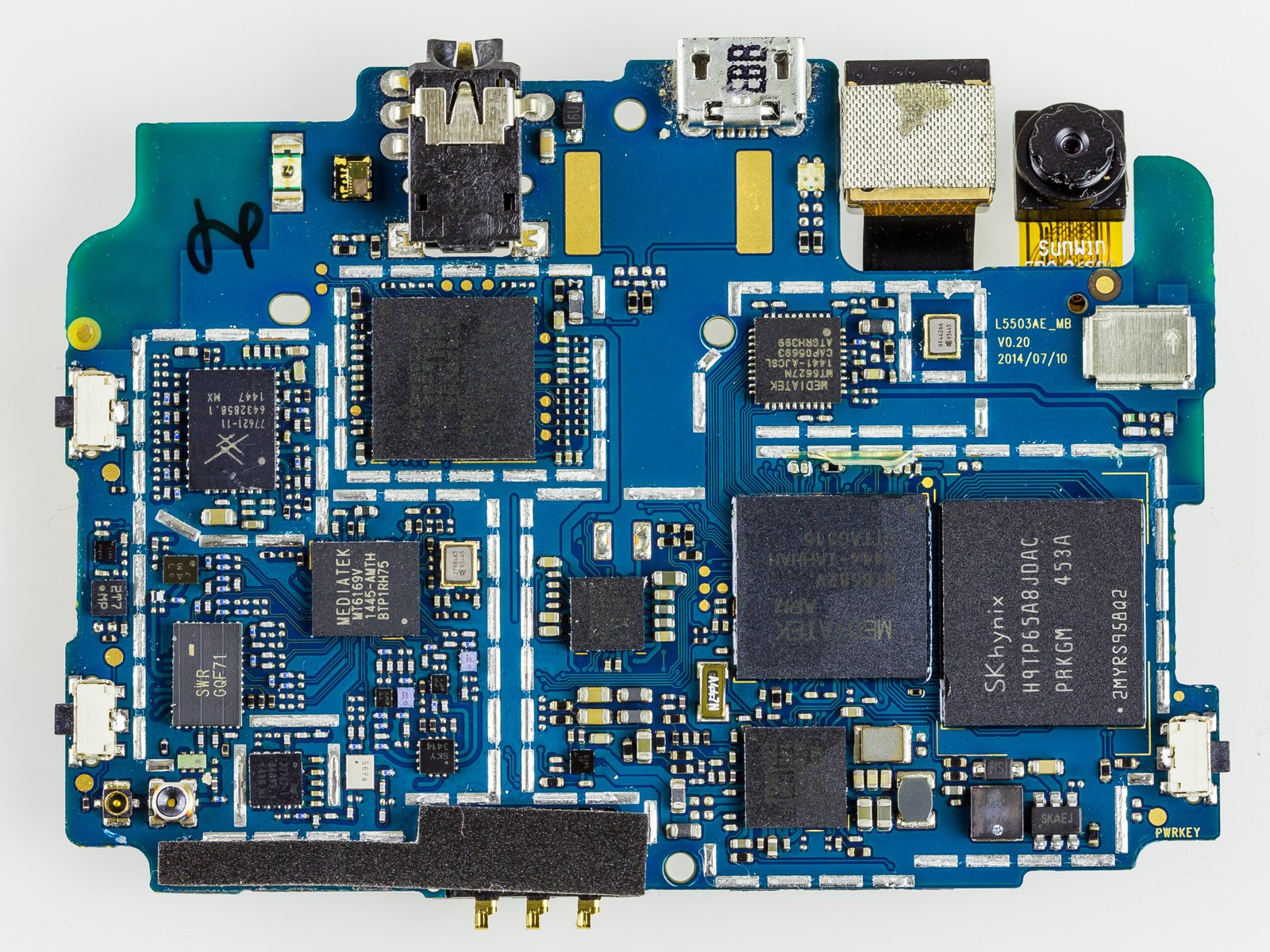
Artificial intelligence does not always need to send every task to a remote data center. Many phones, laptops, tablets, and other devices can now run certain AI features locally. This is often called on-device AI or local AI.

The term can sound more dramatic than the reality. Your device may not run the same large model used by a cloud service, but it can still handle useful jobs such as photo enhancement, speech recognition, text prediction, noise reduction, translation, image classification, and smaller language-model tasks.
This guide explains what on-device AI really means, when local processing is useful, where its limits appear, and how to decide whether a feature should run on your device or in the cloud.
What on-device AI means
On-device AI means the AI model or part of the AI workload runs directly on your phone, computer, tablet, wearable, car, or another local device. The data does not have to travel to a remote server for every step.
Modern hardware often includes specialized processors for AI workloads. Apple uses its Neural Engine across many products. Qualcomm, Google, Intel, AMD, and other chip makers also build hardware features designed to accelerate machine-learning tasks.
Local AI does not mean every feature is fully offline
A device may process one stage locally and use the cloud for another stage. For example, a phone may detect a person in a photo locally but send a complex generative request to a server. Some products use a hybrid approach to balance speed, privacy, and model capability.
How cloud AI works by comparison
Cloud AI sends a request to remote servers that run larger models or more powerful processing. This is how many advanced chatbots, image generators, coding assistants, and research tools work.
Cloud systems can use more memory and computing power than a phone or laptop. They can also be updated centrally without waiting for a device software update.
The tradeoff is network dependence
Cloud AI needs a connection. The request must travel to a server and the answer must travel back. That can add delay, use mobile data, and create extra privacy questions depending on the service and the information being processed.
Why companies are moving more AI onto devices
There are several practical reasons. Local processing can reduce latency, work offline, lower cloud costs, improve privacy for some tasks, and make features feel more immediate.
It also allows software to react to sensor data without constantly uploading that data. A wearable can classify motion. A phone can reduce call noise. A camera can improve a photo before it is saved.
Small repeated tasks are a good fit for local AI
A phone may perform thousands of tiny AI operations every day. Sending each one to the cloud would be inefficient. Local processing is useful when the model is small enough and the job needs a fast response.
Privacy is one of the biggest benefits
If a task can be completed locally, sensitive input may never need to leave the device. This can be useful for keyboard prediction, personal photos, biometric matching, health signals, or private voice processing.
That does not automatically make every local feature private. The app may still collect analytics, sync results, or upload related data for another purpose. Read the privacy settings and documentation for the product you use.
Local processing reduces one privacy exposure point
If the raw input never reaches a server, there is one less copy moving across a network or being handled by a remote service. That is useful, but device security still matters. A stolen or compromised device can expose local data.
Speed can improve when the network is removed
Some AI tasks need a response in milliseconds. Camera processing, live captions, voice commands, gesture recognition, and background noise suppression can feel much better when they run on the device.
Local processing avoids network round trips. Even a fast internet connection has delay, and mobile coverage can change from one room to another.
Fast does not always mean more powerful
A smaller local model may answer more quickly but with less depth than a larger cloud model. The better choice depends on the job. Speed is useful only if the result is good enough.
Offline access is another major advantage
On-device AI can keep working when a plane has no internet, a rural area has weak coverage, or a company network blocks external services.
Offline translation, transcription, image organization, and accessibility features can be especially useful during travel.
Check whether the model must be downloaded first
Some local features require a language pack, model file, or software component before they work offline. Download those files over Wi-Fi before a trip if you expect to need them.
What kinds of AI commonly run locally
Phones and computers already use local AI for many jobs that people do not think of as artificial intelligence.
Photography

Smartphones combine several frames, reduce noise, detect faces, improve color, sharpen detail, and separate a subject from the background. Much of this can happen on the device.
Speech and audio
Devices may perform wake-word detection, noise reduction, live captions, dictation, and some transcription locally.
Security
Biometric matching for fingerprints or face unlock is designed to happen in protected hardware on many devices instead of sending biometric templates to a remote server.
Text features
Keyboard prediction, autocorrect, smart replies, short summaries, and some rewriting features can use local models depending on the platform.
Local language models are getting more useful
Smaller language models can now run on modern laptops and high-end phones. They may summarize short documents, rewrite text, classify information, answer questions from local files, or assist with coding.
They usually have less capability than the biggest cloud models, but they can be valuable for private or offline tasks.
Model size matters
A larger model needs more memory and processing power. Running it locally can increase battery use, heat, and storage requirements. This is why local AI products often use smaller or optimized models.
Hardware determines what your device can run
On-device AI depends on the processor, graphics hardware, dedicated neural accelerator, memory, storage, and cooling of the device.
A recent laptop with a modern NPU may handle local models that an older machine cannot run efficiently. A flagship phone may support features that a low-cost phone does not.
Do not buy only by an “AI PC” or “AI phone” label
Marketing names do not tell you how useful the feature will be. Check the exact software features, supported languages, hardware requirements, and whether the feature runs locally or still needs a cloud connection.
Memory is often the real limit
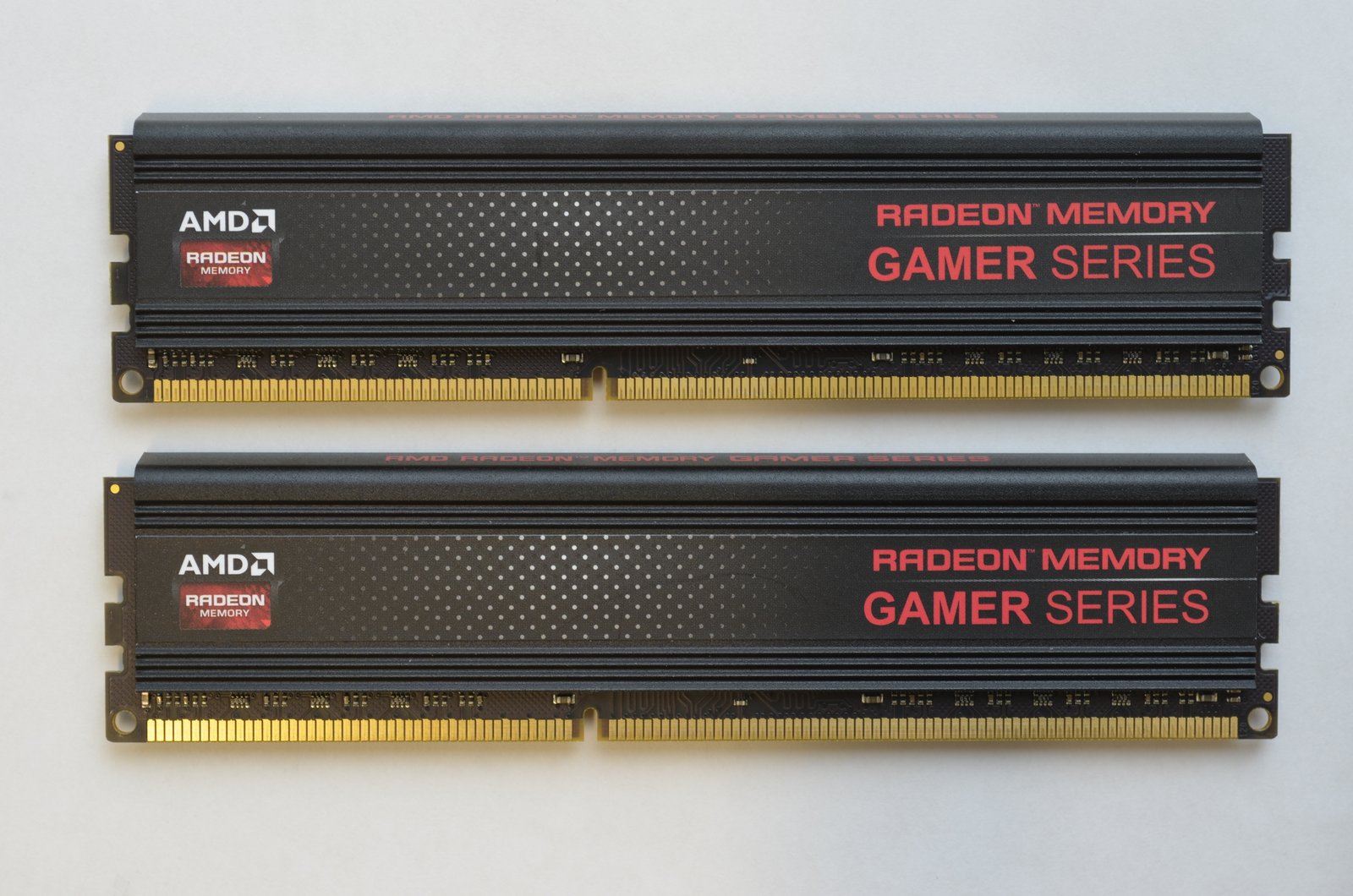
AI models can use large amounts of RAM. A device with a fast chip but limited memory may still struggle with a larger local model.
If you want to run local language models or image tools, check both system memory and graphics memory where relevant.
Shared memory can help some systems
Some modern computers use unified memory that can be shared between the CPU and GPU. This can make larger local AI workloads easier to run, although performance still depends on the model and software.
Battery life can be affected
Local processing avoids network use, but heavy AI workloads still consume power. Repeated image generation, transcription, or large-model inference can drain a laptop or phone faster than simple background AI tasks.
Efficiency matters more than raw performance for mobile devices
A dedicated neural processor can complete some tasks with less power than a CPU or GPU. This is one reason chip makers add specialized AI hardware.
Heat is another practical limit

Phones and thin laptops have limited cooling. A demanding local AI task can cause the device to warm up and reduce performance to control temperature.
If a feature makes your device unusually hot, reduce the workload, plug in only if the device remains within normal temperature, and avoid using it in direct sun.
Local AI can reduce cloud costs for businesses
A company that processes thousands of small requests may pay less if some tasks run on employee devices instead of a paid cloud API.
This works best for predictable tasks such as classification, local document search, transcription, or basic automation.
Local deployment still has management costs
Businesses must update models, manage devices, protect data, test performance, and support different hardware. Moving a task off the cloud does not make operations free.
Local AI can be useful for confidential documents
A local model can summarize a private document without sending the text to an external AI provider, if the entire workflow truly stays local.
This can be valuable for internal notes, unpublished research, source code, or sensitive business material.
Verify the application behavior
Do not assume an app is local simply because the model runs on your computer. The software may still send analytics, crash reports, prompts, or metadata to external servers. Check network behavior and privacy documentation if confidentiality matters.
Cloud AI still wins for many complex tasks
Large cloud models are useful when you need strong reasoning, large context windows, current information, powerful image generation, complex coding, or access to large external tools.
A phone cannot match the compute available in a modern data center for every task.
Use local AI where it is good enough
The best system is often hybrid. Use local AI for fast, private, repeated work and cloud AI for jobs that need more capability or fresh external information.
How to tell whether a feature runs locally
Turn off the network and test it, if doing so is safe. Check the vendor’s support documentation. Look for terms such as on-device processing, local model, offline mode, or cloud processing.
Apple publishes privacy and platform information at Apple Privacy. Google documents Android and Pixel features through Google Support. Microsoft explains Windows AI and security features through Microsoft Support.
Do not assume “offline” means secure
A local model can still be risky if the device has malware, weak login security, unencrypted storage, or unsafe apps.
Use a strong device lock, keep software current, enable disk encryption, and protect important local files.
Local data still needs backup
If a model stores important work only on one device, hardware failure can cause data loss. Local privacy and reliable backup should work together.
How to choose between local and cloud AI
Ask five questions. Does the task contain sensitive data? Does it need current internet information? Does it need the strongest available model? Does it have to work offline? Is fast response more important than maximum capability?
If privacy, offline access, and quick response are the priority, local AI is attractive. If the job needs large models, live research, or complex tool use, cloud AI may be the better fit.
Example: meeting transcription
If you only need a transcript and your device can process speech locally, on-device transcription may keep the audio more private. If you need advanced meeting analysis across many hours of recordings, a cloud service may provide stronger organization and search.
Example: photo editing
A phone can often remove noise, adjust exposure, detect a subject, and blur a background locally. A complex request to rebuild an entire scene may require a larger cloud model.
Use the simplest tool that can produce the result you need.
Example: writing assistance
A local model can rewrite a sentence or summarize a short note without sending the text away. A cloud model may be better for deep research, long documents, or complex reasoning.
What to check before buying hardware for local AI
Look at RAM, processor generation, NPU support, GPU capability, battery size, cooling, and software compatibility. Then check whether the applications you actually use can take advantage of that hardware.
Do not pay for unused capability
If your only AI use is photo cleanup and smart replies, a normal modern phone may already be enough. If you plan to run local coding models or image generation, stronger hardware becomes more important.
A practical local AI checklist
Identify the task. Confirm whether it works offline. Check what data stays on the device. Review app privacy settings. Keep enough free storage and memory. Watch battery and heat during heavy use. Protect the device with encryption and a strong lock. Back up important local data. Use cloud AI only when the task needs more capability or current external information.
Conclusion
On-device AI is useful because it brings artificial intelligence closer to the data and the user. It can improve privacy, reduce delay, work without a connection, and make repeated tasks more efficient.
It also has real limits. Local models are usually smaller. Hardware matters. Heavy workloads can affect battery life and heat. Some features that appear local still use cloud services for part of the process.
The right question is not whether local AI is better than cloud AI. The right question is which place is better for the task you are doing. Use local processing when privacy, speed, and offline access matter. Use the cloud when you need more power, larger models, or current information.
Leave a Reply