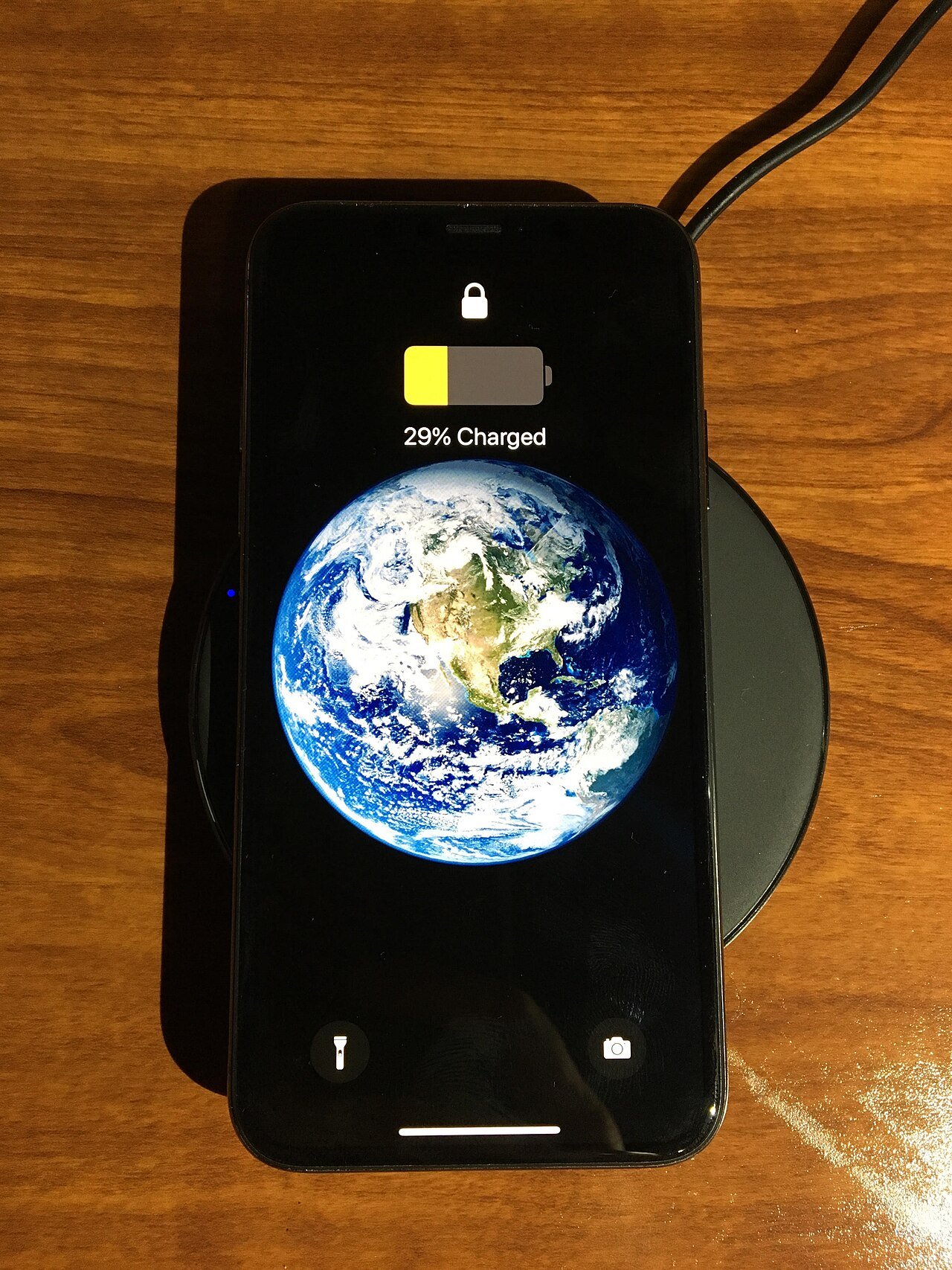
Magnetic wireless charging is becoming easier to use because newer standards improve how a phone aligns with the charging coil. Qi2 builds on the familiar Qi wireless-charging idea while adding a magnetic alignment system for compatible devices and accessories.
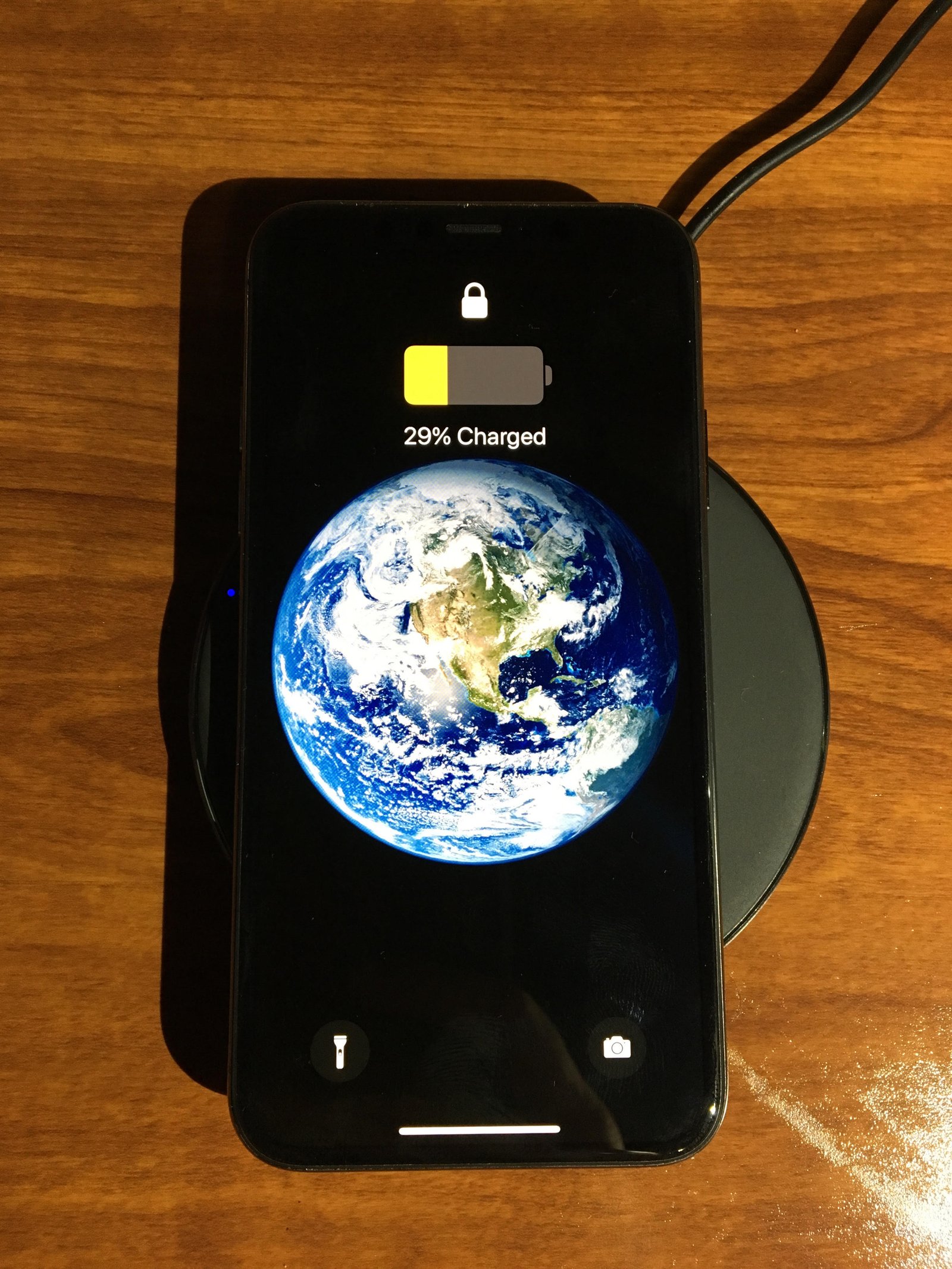
The benefit is simple: better alignment can make charging more consistent and can support useful magnetic stands, mounts, wallets, and power banks. But a magnetic ring does not guarantee maximum speed, low heat, or compatibility with every phone and case.
This guide explains what to check before buying Qi2 accessories and how to use magnetic wireless charging without wasting money on the wrong charger.
What Qi2 is
Qi2 is a wireless-charging standard from the Wireless Power Consortium. It is designed to improve interoperability and alignment between compatible devices and chargers.
One important part of the standard is the Magnetic Power Profile, which uses magnets to align the phone with the charging coil.
Alignment is a practical improvement
Traditional flat Qi pads can charge slowly or stop if the phone is placed slightly off-center. A magnetic system helps place the coils in the correct position every time.
Qi2 is not the same as “any magnetic charger”
Many accessories use magnets without being certified for the Qi2 standard. A magnetic mount may hold the phone but provide only basic Qi charging or no charging at all.
Look for clear Qi2 certification or compatibility information rather than relying on the presence of a magnetic ring.
Certification matters
A certified product has been tested against the relevant standard. That does not guarantee perfect quality, but it is more useful than an unverified “Qi2-style” description.
Check whether your phone supports Qi2 directly
Some phones include the required magnetic alignment system. Others may support wireless charging but need a compatible magnetic case to attach securely to a Qi2 charger.
Read the phone manufacturer’s support documentation for the exact model.
Do not assume all phones in a series are identical
Regional models, budget versions, and older generations may have different charging hardware.
A magnetic case can change compatibility
Cases with a properly positioned magnetic ring can make a non-magnetic phone work better with magnetic accessories if the phone already supports compatible wireless charging.
The ring must align with the phone’s charging coil.
Cheap cases can place the ring incorrectly
Poor alignment can reduce speed, increase heat, or cause charging to start and stop. Choose a case designed for the exact phone model.
Case thickness affects charging
Wireless power must cross the gap between charger and phone. Very thick cases, rugged layers, metal plates, pop grips, and certain wallets can interfere.
A normal thin compatible case is usually easier.
Remove metal objects
Do not place loose metal between the phone and charger. Coins, keys, magnetic plates, and some card holders can heat up or prevent charging.
Magnetic wallets should usually be removed while charging
A wallet sitting between the phone and charging surface can increase distance and may contain cards or materials that should not be heated.
Detach the wallet before charging unless the manufacturer explicitly designs the combination for simultaneous use.
Charging speed depends on more than the charger label
The phone, wireless charger, power adapter, cable, temperature, battery state, and software all affect real charging speed.
A stand advertised with a high wattage cannot force a phone to accept more wireless power than the phone supports.
Check the full power chain
A 15-watt wireless charger connected to a weak USB adapter may charge below its rated speed. Use the power adapter and cable specification recommended by the charger maker.
USB Power Delivery often matters behind the charger
Many modern wireless chargers use a USB-C input and expect a power adapter that supports USB Power Delivery.
Check the charger’s input requirements, not only its output claim.
Heat is normal within limits
Wireless charging is less efficient than a direct cable because energy crosses an air gap and some becomes heat. A phone and charger can feel warm during use.
Warm is different from unusually hot. If the phone repeatedly becomes very hot, charging may slow to protect the battery.
Alignment can reduce unnecessary heat
Better coil alignment helps efficiency. This is one practical reason magnetic charging can be more consistent than placing a phone loosely on a pad.
Avoid charging in hot environments
Do not place the phone on a wireless charger in direct summer sun, inside a hot car, or under thick bedding.
Heat from the environment plus heat from charging can raise battery temperature more than necessary.
Do not cover the charger vents
Some fast wireless stands include fans or ventilation. Keep those openings clear.
Dust buildup can also reduce cooling over time.
Charging slows near a full battery
Phones manage charging speed to control heat and battery stress. Wireless charging may be fastest at lower states of charge and slower near full.
Do not judge a charger only by how quickly it moves from 90 to 100 percent.
Optimized charging can pause the final part
Many phones learn your routine or provide a charge limit. They may hold the battery below full and complete charging later.
This is a battery-management feature, not necessarily a charger problem.
Magnetic stands are useful at a desk
A stand can keep the phone visible for notifications, timers, calls, music, or a standby display while charging.
Choose an angle that remains stable when tapping the screen.
Check portrait and landscape rotation
If you watch video or use a desk clock, a stand that rotates smoothly can be more useful than a fixed mount.
Bedside charging needs a stable base
A lightweight stand can move when you pull the phone away. Look for a weighted base, strong adhesive, or a secure design.
Also consider fan noise if the charger has active cooling.
Magnetic car mounts solve alignment problems
A magnetic charging mount can hold a phone and keep the coil aligned while driving.
Installation matters. A vent mount may be unstable on weak vents. A dashboard mount may be more secure but can expose the phone to sunlight.
Keep the phone out of direct heat
Navigation already uses GPS, screen brightness, and mobile data. Adding wireless charging in a hot car can create significant heat. Use air conditioning and reduce screen brightness when practical.
Magnetic battery packs are convenient
A magnetic power bank attaches directly to the phone without a cable. It is useful for travel, queues, events, and light top-ups.
Wireless transfer wastes more energy than a cable, so the usable charge delivered to the phone may be lower than the power bank’s battery capacity suggests.
Use a cable when efficiency matters
If you need maximum runtime from a power bank during a long trip, wired charging usually gives you more usable energy.
Power-bank heat deserves attention
A battery pack creates its own heat while charging the phone. Keeping two batteries pressed together can feel warm.
Remove the pack if the combination becomes unusually hot.
Wireless charging is not automatically better for battery health
Battery aging depends on temperature, charge level, time, and usage. Wireless charging can be perfectly practical, but extra heat is worth managing.
Use the method that fits your routine and keeps the device at a reasonable temperature.
Wired charging is still faster on many phones
Many smartphones support higher power through USB-C than through wireless charging.
If you have fifteen minutes before leaving, a cable may add more charge than a wireless pad.
Use wireless for convenience, wired for speed
A common routine is wireless charging at a desk or bedside and wired fast charging when time is limited.
Wireless charging reduces port wear
If you charge several times a day, using a magnetic charger means fewer physical cable insertions.
This can be useful on a phone whose charging port also handles data and accessories.
But you still need the USB port
Data transfer, wired Android Auto or CarPlay, recovery, external storage, microphones, and some accessories still rely on the physical port.
Keep it clean and protected from debris.
Do not use damaged chargers
Stop using a wireless charger with a damaged cable, cracked housing, exposed wire, burnt smell, or unstable connection.
Choose products from reputable manufacturers and retailers.
Check electrical certification
A safe wireless charger still depends on a safe wall adapter. Use adapters that meet the electrical standards required in your country.
Unknown ultra-cheap adapters can create more risk than the charging pad itself.
Do not stack multiple chargers
Place the phone directly on the intended charging surface. Do not put one wireless battery pack on another wireless charger unless the product explicitly supports pass-through behavior.
Watch for foreign-object detection
Certified wireless systems can detect certain metal objects and stop power transfer, but users should still keep keys, coins, and other metal away from the charging surface.
Magnetic accessories can affect cards
Modern payment cards are generally resilient to normal magnetic accessories, but hotel keys, older magnetic-stripe cards, and specialized cards can be affected by magnets.
Follow the card issuer’s guidance and avoid storing vulnerable cards directly against strong magnets.
Medical-device users should follow official advice
Magnets and wireless chargers can interfere with some implanted medical devices if placed too close.
People with pacemakers or other implanted electronics should follow guidance from their medical-device manufacturer and healthcare professional. Phone makers also publish separation recommendations.
Check phone-camera clearance
Large camera bumps can stop some flat magnetic accessories from sitting flush.
Verify compatibility with the exact phone and case, especially for compact battery packs and wallets.
Choose a charger for the place you use it
A bedside charger benefits from quiet operation and a dim status light. A desk charger benefits from an adjustable angle. A travel charger should fold flat and use a common USB-C adapter.
The best design depends on the location, not only maximum wattage.
Travel chargers can reduce cable clutter
Multi-device magnetic chargers can charge a phone, watch, and earbuds from one power adapter.
Check total output. Some travel stations reduce phone charging speed when all devices are connected.
Verify smartwatch compatibility separately
Many watches use proprietary magnetic charging even when the phone uses Qi2. One magnetic puck does not automatically charge every watch.
Read the exact accessory specification.
Earbuds may use standard Qi charging
Wireless-charging earbud cases can often charge on a flat Qi or compatible multi-device pad. Magnetic alignment depends on the case design.
Clean both surfaces
Dust and grit trapped between phone and charger can scratch the case or back glass.
Wipe the charging surface occasionally with a dry soft cloth.
Remove thick attachments
Phone grips, metal kickstands, ring holders, and decorative plates can interfere with charging even if the case itself is compatible.
Choose accessories designed to sit outside the magnetic charging area.
Do not expect magnets to make a weak charger fast
Magnets solve alignment. They do not replace a good power adapter, efficient electronics, thermal management, or phone support.
Check firmware updates for advanced chargers
Some premium charging accessories can receive firmware updates through an app or USB connection. Updates may improve compatibility or charging behavior.
Use official software only.
Example: desk setup
Use a stable Qi2 stand connected to the recommended USB-C PD adapter. Keep the phone in a thin compatible case. Position the stand away from direct sunlight. Use the phone normally and let optimized charging manage the battery.
Example: travel setup
Pack a compact magnetic charger, a USB-C PD wall adapter, one high-quality cable, and a power bank. Use wired charging when you need maximum speed or efficiency and magnetic charging when convenience matters.
Example: car setup
Mount the charger where it does not block your view. Connect it to an adapter with enough output. Keep the phone cool with cabin airflow. If navigation and wireless charging cause excessive heat, switch to a cable.
A practical Qi2 buying checklist
Confirm phone compatibility. Check whether a magnetic case is required. Look for Qi2 certification. Verify charging wattage supported by your phone. Check required adapter power. Choose a case with correct ring alignment. Consider stand stability and cooling. Remove wallets and metal objects during charging. Buy from a reputable brand. Test charging before the return window ends.
Conclusion
Qi2 and magnetic wireless charging make wireless power more convenient by improving alignment and creating a common foundation for magnetic accessories. The biggest everyday benefit is consistency: the phone is easier to place correctly on a stand, mount, or power bank.
Wireless charging still has tradeoffs. It can create more heat and waste more energy than a cable, and real speed depends on the phone, charger, adapter, case, and temperature.
Use magnetic charging where convenience matters. Use wired charging when you need maximum speed or battery-pack efficiency. Check certification and compatibility, manage heat, and choose accessories for the situation in which you will actually use them.
Leave a Reply