 by
by How to Check a QR Code Before You Scan or Pay
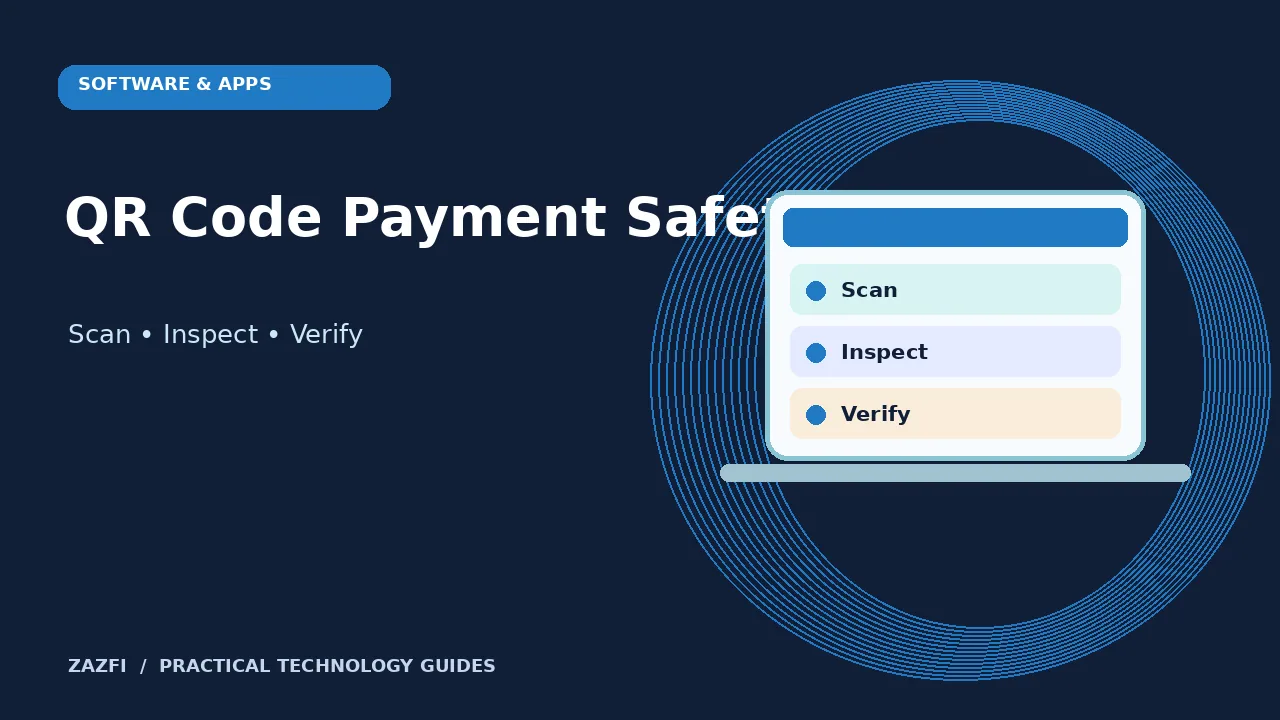
How to Check a QR Code Before You Scan or Pay starts with one practical question: what do you need to check before making a decision? This guide gives a clear process you can use without specialist tools. It also shows where you should pause and verify details rather than accept an easy guess.
A small square can open a risky page
QR codes save typing and can help with tickets, menus, and payments. The problem is that the pattern itself does not tell you who owns the destination. A scammer can print another code and place it over a real one.
Treat any code that leads to money, login, or personal information as a link you must inspect first.
Try this in practice
Write down the exact outcome you expect before you start. Keep the original material beside your notes, and compare what you see with the claim being made. Do not let a neat-looking result replace the evidence.
Look at the physical label
Before scanning a parking meter or public poster, check whether a sticker covers an older code. Look for crooked edges, a different print finish, or text that does not match the service.
These signs are not proof of fraud. A real operator may replace old labels. They are reasons to verify the method through the provider’s official channel.
Try this in practice
Choose a low-risk example before using the method on an important task. Ask another person to review an uncertain result when money, safety, or private data is involved. A second look can catch details missed in a rush.
Read the destination before opening it
Most phone cameras show a preview. Check the full domain name and any strange spelling. A long link or a familiar word inside a false domain is not enough to establish trust.
If you cannot see the domain clearly, do not proceed. Open the company app or type its official address yourself instead.
Try this in practice
When a result is unclear, record the question instead of inventing an answer. Return to the official source or the person responsible for the task. Keep the final record short enough that another reader can follow your decision.
Do not trust a sudden payment deadline
Scammers use urgency to push people past checks. A code may claim that a parcel, reservation, or account will be lost in minutes.
If the message was unexpected, use a saved phone number or the service’s app. Do not use the support number printed on the suspicious sticker.
Try this in practice
Write down the exact outcome you expect before you start. Keep the original material beside your notes, and compare what you see with the claim being made. Do not let a neat-looking result replace the evidence.
Know the parking payment trap
The US Federal Trade Commission warned in September 2026 about scam codes placed on parking meters. The fake destination may ask for card details on a lookalike site.
A safer option is to locate the parking provider through its official signage or app and confirm the meter number before paying.
Try this in practice
Choose a low-risk example before using the method on an important task. Ask another person to review an uncertain result when money, safety, or private data is involved. A second look can catch details missed in a rush.
Treat email codes as links
A QR image inside a message is not safer than a button. An attacker may use it to hide a destination from quick text review.
If an email tells you to scan a code to fix an account problem, open the real service independently and check notifications there.
Try this in practice
When a result is unclear, record the question instead of inventing an answer. Return to the official source or the person responsible for the task. Keep the final record short enough that another reader can follow your decision.
Keep your camera and browser updated
An updated phone is less exposed to known software flaws. That matters even if most QR scams rely on tricking users into entering details.
Install operating system and browser security updates through official settings. Avoid unknown scanner apps that request broad access to contacts or files.
Try this in practice
Write down the exact outcome you expect before you start. Keep the original material beside your notes, and compare what you see with the claim being made. Do not let a neat-looking result replace the evidence.
Do not enter a password on a surprise page
A page can copy a brand’s colors and logo. That does not make it genuine. Pause if a simple restaurant menu suddenly asks you to sign in to a bank.
Close the page and use the service’s verified app or bookmark. A passkey or multi-factor sign-in adds protection, but it does not make a fake page safe.
Try this in practice
Choose a low-risk example before using the method on an important task. Ask another person to review an uncertain result when money, safety, or private data is involved. A second look can catch details missed in a rush.
Check payment details before you confirm
For any payment, inspect the merchant name, amount, currency, and what you are buying. Do not rely on a screenshot from the scanner to prove the recipient is correct.
If details differ from the meter, store, or ticket, stop. Ask staff for the official payment method.
Try this in practice
When a result is unclear, record the question instead of inventing an answer. Return to the official source or the person responsible for the task. Keep the final record short enough that another reader can follow your decision.
If you scanned but entered nothing
Simply opening a page is not the same as giving it your password. Close the suspicious tab, update your browser, and watch for prompts or unwanted downloads.
If the page asked to install software or a device profile, refuse. Check your download list and security settings if you tapped anything unexpected.
Try this in practice
Write down the exact outcome you expect before you start. Keep the original material beside your notes, and compare what you see with the claim being made. Do not let a neat-looking result replace the evidence.
If you entered account or card details
Change the affected password through the real website or app. Review active sessions and turn on a strong second factor. Contact the card issuer if financial details were exposed.
Review recent transactions and follow your provider’s fraud process. Act promptly, but use verified contact channels rather than the suspicious page.
Try this in practice
Choose a low-risk example before using the method on an important task. Ask another person to review an uncertain result when money, safety, or private data is involved. A second look can catch details missed in a rush.
Build a safe QR habit
For routine scans, take two seconds to check the context and domain. For payments and sign-ins, use the official app when available. Teach family members that a QR code is only a shortcut, not a trust badge.
A little friction before an important tap is worth more than a long recovery process afterward.
Try this in practice
When a result is unclear, record the question instead of inventing an answer. Return to the official source or the person responsible for the task. Keep the final record short enough that another reader can follow your decision.
Useful checks before you finish
- Confirm the source and date of any key claim.
- Test the method on a low-risk example first.
- Keep private information out of shared notes.
- Ask for help when the result affects money or safety.
For wider guidance, read the FTC consumer guidance. The resource provides useful context, but it does not replace a check of your own device, service, or situation.
Final takeaway
Make the decision on what you can verify. Take a moment to compare real results with the stated claim. If something does not fit, stop and find the cause before you commit.