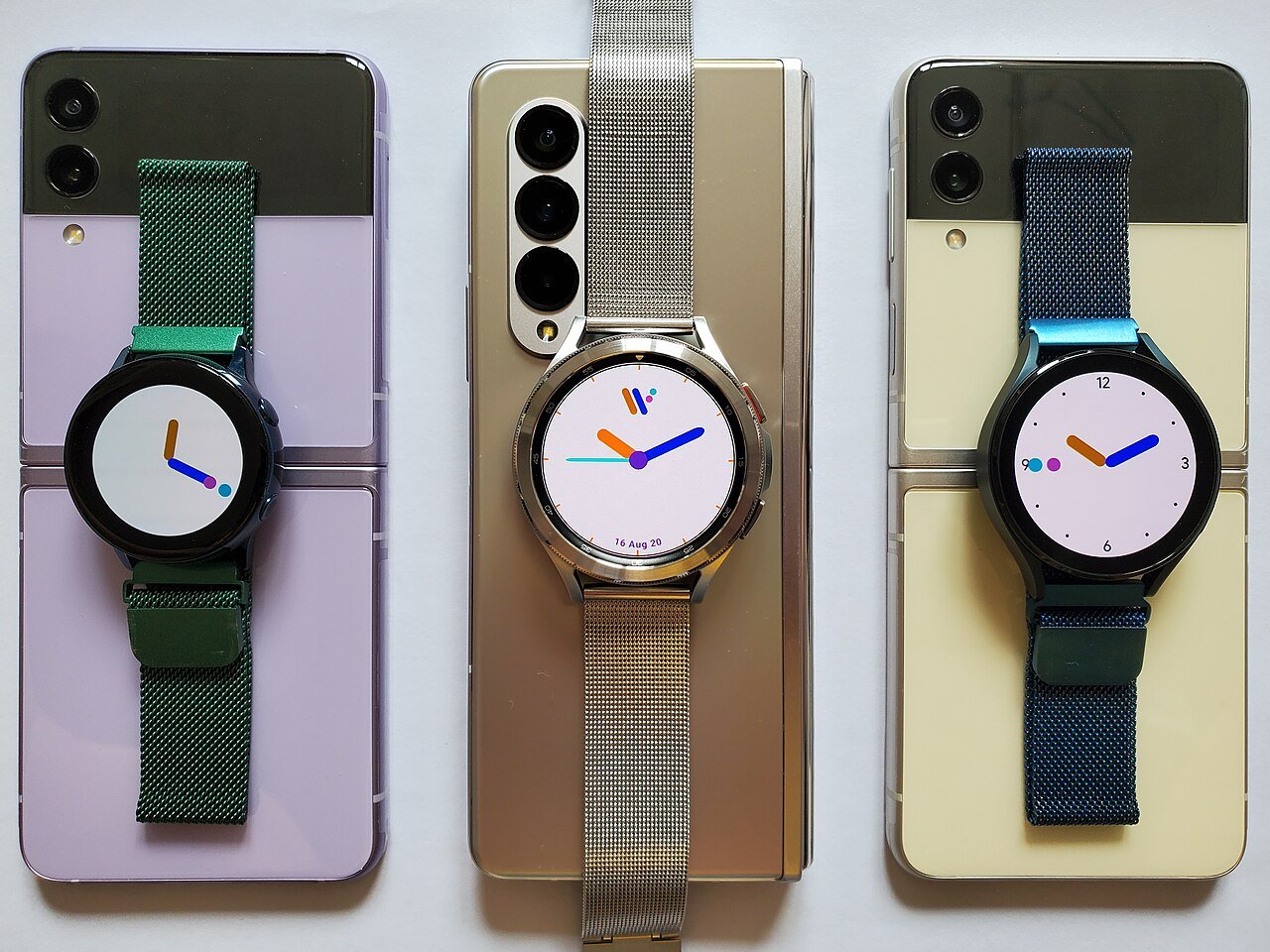
A good travel tech kit should make a trip easier without turning your bag into a box of chargers and spare gadgets. The most useful items solve predictable problems: keeping your phone powered, getting mobile data, finding luggage, connecting to local outlets, protecting accounts, and keeping important information available when the internet fails.
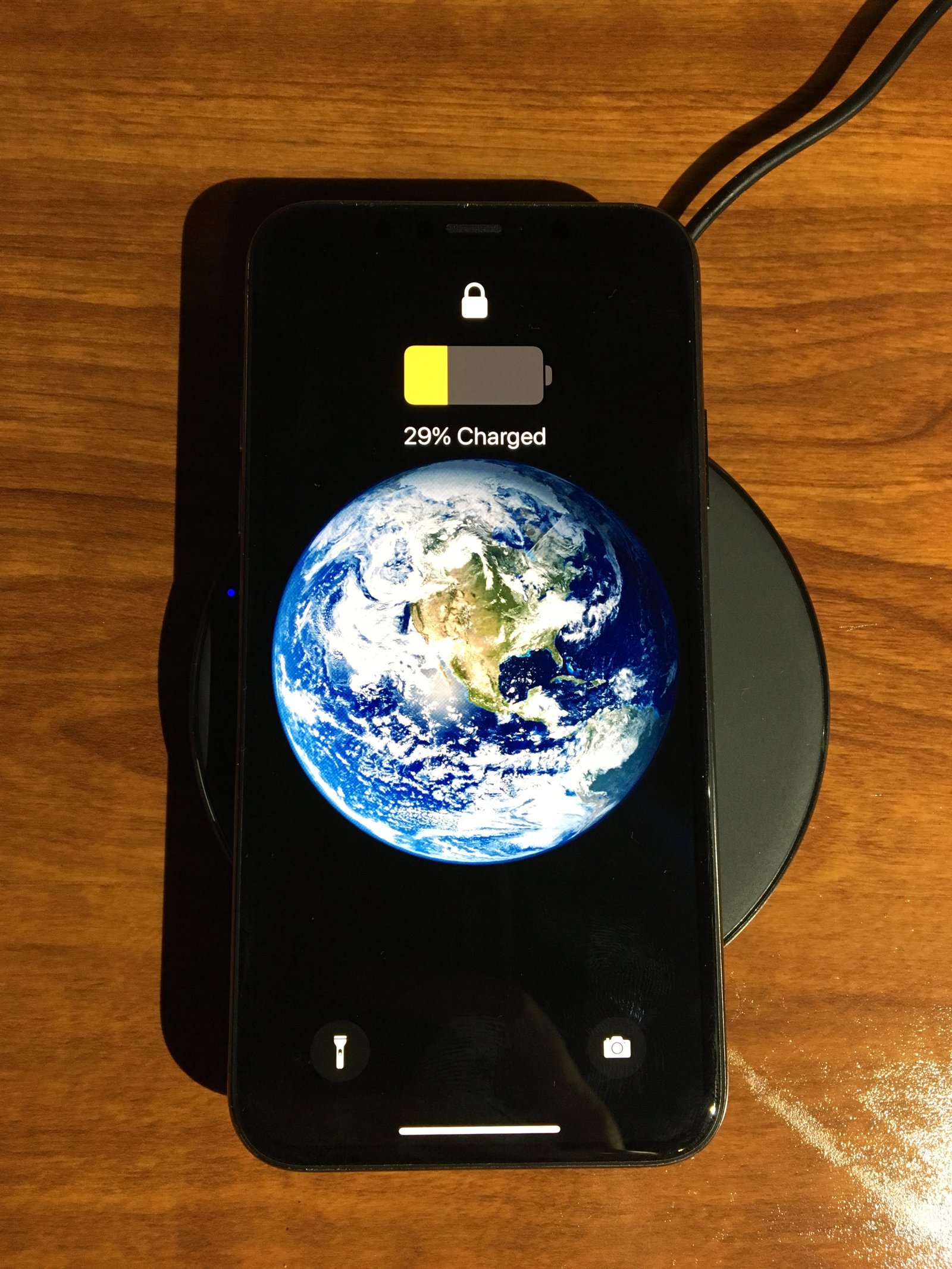
The goal is not to pack every accessory you own. It is to create a small system with fewer points of failure. This guide walks through the pieces worth considering and shows how to test them before departure.
Start with the devices you will actually carry
Make a list: phone, laptop, tablet, smartwatch, earbuds, camera, e-reader, portable game console, or medical device. Then write the charging port and power requirement beside each one.
This prevents duplicate cables and reveals whether one charger can cover several devices.
Leave optional gadgets at home
Every extra device needs power, security, storage, and attention. If you will not use it more than once, consider whether your phone can do the job.
Standardize on USB-C where possible
USB-C can simplify travel because many current phones, tablets, laptops, cameras, and power banks use the same connector.
You may still need one proprietary watch cable or older USB-A accessory, but reducing cable types makes replacements easier.
Carry one spare critical cable
If your phone and laptop both depend on USB-C, two good USB-C cables create useful redundancy without much weight.
Choose one multi-port charger
A compact USB-C Power Delivery charger can often replace separate phone and laptop adapters.
Choose enough total wattage for the devices you may charge simultaneously.
Read the port allocation
A charger marked 100W may offer 100 watts only with one port in use. When several devices are connected, the power may split. Make sure the laptop still receives enough power.
GaN chargers are useful for packing light
Modern gallium nitride chargers can deliver high output from a relatively small adapter.
GaN is not a guarantee of quality. Buy from a reputable manufacturer and check the electrical specifications.
Understand plug adapters versus voltage converters
A plug adapter changes the physical plug shape so your charger fits a local outlet. A voltage converter changes electrical voltage.
Many laptop and phone chargers accept 100–240V input and need only a plug adapter. Check the label on every power adapter.
Never assume universal voltage
Hair tools and other high-power appliances may not support the destination voltage even when your phone charger does.
Choose a universal travel adapter carefully
A universal adapter can be convenient for multi-country trips. Check supported plug types, AC maximum load, safety shutters, fuse design, and USB-C output if included.
A built-in USB-C port may be too weak for a laptop even if it charges a phone.
Carry a power bank sized for your day
A power bank helps during long flights, train journeys, navigation-heavy days, festivals, and remote travel.
Capacity is usually listed in milliamp-hours, but the actual energy delivered to your phone is lower because of voltage conversion and efficiency losses.
Choose based on use, not the largest number
A small pack is easier to carry daily. A larger pack can cover several devices but adds weight.
Check airline battery rules before flying
Lithium battery and power-bank restrictions vary by capacity and airline policy. Spare lithium batteries and power banks generally belong in carry-on baggage rather than checked luggage, but verify your airline’s current rules.
Check guidance from your airline and aviation authority before travel.
Capacity may be shown in watt-hours
If the pack lists only mAh and voltage, the manufacturer may also provide the Wh rating needed for airline limits.
Use a power bank with USB-C input and output
This lets you recharge the bank with the same cable and charger used for other devices.
For laptops, check whether the bank supports enough USB PD output.
Test the power bank before the trip
Charge it fully. Use it to charge your phone from a low battery. Confirm the cable stays connected and the bank does not shut off unexpectedly.
An old battery pack may have lost significant capacity.
Consider a magnetic battery pack for convenience
Magnetic wireless packs can be useful while walking or waiting in airports because they attach without a cable.
Wired charging is more efficient, so use a cable when you need maximum energy from the pack.
Set up an eSIM before departure when practical
An eSIM can provide local or regional mobile data without changing a physical SIM card. Availability depends on phone model and carrier.
Install the eSIM while you still have reliable Wi-Fi and access to account verification.
Do not activate too early without reading the plan
Some travel eSIM plans begin their validity period at installation, while others begin on first network connection. Check the provider terms.
Confirm your phone is unlocked
A carrier-locked phone may reject a third-party travel eSIM.
Check unlock status with your carrier before buying a plan.
Keep your home number active if needed
Dual-SIM phones can often keep a home line for calls and verification while using a travel eSIM for data.
Review roaming settings so the home line does not create unexpected data charges.
Turn off data roaming on the wrong line
Label SIMs clearly in settings and choose the travel plan as the mobile-data line.
Understand SMS verification abroad
Some banks and accounts still send codes to your home number. Make sure you can receive them without expensive roaming.
Where available, stronger authentication methods such as passkeys, authenticator apps, or security keys can reduce dependence on SMS.
Download essential apps before leaving
Install airline, train, hotel, map, rideshare, translation, banking, password-manager, and eSIM apps in advance.
Sign in and complete account verification while at home.
Do not install urgent apps from random airport links
Use official app stores and the official provider website.
Download offline maps
Mobile service can disappear in subways, remote roads, border areas, and crowded events.
Download destination maps in Google Maps or another navigation app that supports offline use.
Save the hotel and transport hubs
Mark your hotel, airport, train station, car-rental location, and important meeting points before you arrive.
Save travel documents offline
Keep local copies of boarding passes, booking confirmations, hotel addresses, insurance details, visa information, and emergency contacts.
Do not rely on an email inbox that requires a data connection.
Protect sensitive documents
Use device encryption and a strong screen lock. Avoid leaving passport scans in an unprotected photo gallery if a secure document app is available.
Use a password manager
Travel creates more account logins on unfamiliar networks and devices. A password manager reduces password reuse and can help detect lookalike phishing domains through domain-aware autofill.
Make sure you can unlock the vault offline if needed.
Prepare account recovery
If your phone is lost, can you access email, the password manager, airline accounts, and banking from another device?
Store critical recovery codes securely and separately from the phone.
Do not keep the only recovery code on the lost device
A printed copy in secure luggage or another protected method can provide redundancy.
Enable device tracking
Turn on the manufacturer’s device-finding service before travel.
Apple users can review Find My, while Android users can use Google’s current device-finding features where supported.
Use luggage trackers thoughtfully
Bluetooth network trackers can help locate bags, keys, or backpacks. They are not real-time GPS devices in every environment.
Performance depends on nearby participating devices and network coverage.
Do not use trackers to follow people without consent
Use anti-stalking alerts and platform safety features as intended.
Place a tracker inside checked luggage
A tracker can help show whether your bag reached the destination or remained at another airport.
Airline baggage systems remain the official process for lost-luggage handling.
Do not attach your home address visibly to luggage
Use a phone number or email contact and follow airline requirements. Avoid advertising that your home may be empty.
Carry wired earbuds as a backup
Bluetooth earbuds can run out of battery. A small wired pair or airline adapter can be useful for long flights.
Check whether your phone requires a USB-C audio adapter.
Download entertainment
Save music, podcasts, books, and video before boarding. Streaming may be unavailable or expensive.
Confirm downloads actually play offline.
Bring only the adapters you need
A bag full of HDMI, Ethernet, card readers, and dongles adds clutter.
If you are presenting, bring the exact video adapter required by the venue or a known universal hub.
Test the laptop hub
Connect power, display output, storage, and any required accessories before the trip.
Cheap hubs can fail under simultaneous load.
Back up your devices before travel
A lost or damaged phone should not mean losing the only copy of photos, contacts, documents, or authentication data.
Run a current cloud or computer backup before departure.
Verify the backup, do not just start it
Check the last successful backup date and confirm important data is included.
Plan photo backup during the trip
If photography matters, decide how you will protect new images. Options include cloud upload on hotel Wi-Fi, a laptop copy, an external SSD, or a second memory card.
Do not wait until the last day to discover your storage is full.
Use hotel Wi-Fi carefully
Confirm the network name with the hotel rather than connecting to a similar-looking hotspot.
Keep your operating system and browser updated and prefer HTTPS services.
A VPN can help in some situations
A reputable VPN can protect traffic between your device and the VPN service on untrusted local networks, but it does not make phishing sites safe or replace HTTPS.
Your mobile data connection may be simpler
For banking or sensitive account work, using your own cellular connection can reduce exposure to an unknown local Wi-Fi network.
Do not use public USB charging ports blindly
Use your own wall charger or power bank when possible. If you must use an unfamiliar USB port, a charge-only cable or data blocker can reduce data-pin exposure.
Modern phones ask for permission before many USB data connections, but controlling the hardware path is still simpler.
Carry a compact extension only when needed
Older hotels may have one inconvenient outlet. A compact multi-outlet travel strip can help, but it must support local voltage and power requirements.
Keep cables organized by function
Use a small pouch. Carry one short daily cable, one longer hotel cable, and any proprietary watch or camera cable.
Label similar cables if their capabilities differ.
High-speed cables are not always required
A charging cable can be lighter and cheaper than a Thunderbolt cable. Bring high-speed data capability only if you need external SSD transfers, a monitor, or a dock.
Pack a small microfiber cloth
It protects screens and camera lenses without using random clothing that may contain grit.
Consider a phone lanyard or secure grip
Crowded transit and tourist areas can increase drop or theft risk. A case with a secure grip or tether can help.
Do not attach the phone in a way that creates a safety hazard during cycling or driving.
Use a privacy screen only if the tradeoff works for you
A privacy protector can reduce side viewing on planes and trains but may reduce brightness and viewing angles.
It does not stop someone directly behind you from seeing the display.
Turn on automatic screen lock
Use a short lock timeout and strong PIN or passcode. Biometric unlock adds convenience.
Do not use a four-digit code that is easy to observe in a crowded place if stronger options are available.
Protect notification content
Hide message previews and one-time codes from the lock screen if you travel through crowded areas.
Review emergency features
Update medical ID and emergency contacts. Learn how to trigger emergency calling on your phone.
If your device supports satellite emergency communication, review the supported regions and run the official demo before remote travel.
Save local emergency numbers
Do not assume every country uses the same number. Government travel resources can provide current information.
Use an e-reader when battery endurance matters
If you read for hours, an e-ink device can last far longer than a phone or tablet and reduces pressure on your main communication device.
Download books before travel.
Protect devices from heat
Do not leave phones, power banks, or laptops on a car dashboard or in direct sun. High heat accelerates battery aging and can trigger shutdowns.
Protect devices from cold
Very low temperatures can reduce temporary battery performance. Keep electronics close to your body when not in use and follow manufacturer operating limits.
Think about waterproofing
A phone’s IP rating does not make an open charging port, power bank, laptop, and passport waterproof.
A simple zip pouch or dry bag can protect a travel tech kit during rain or boat trips.
Do not rely on one card stored in one phone wallet
Mobile payments are convenient, but carry an alternative payment method if the phone dies or the terminal does not support your wallet.
Carry a little redundancy, not duplicate everything
Useful redundancy means two ways to charge the phone, offline copies of critical documents, and an alternative payment method.
It does not mean carrying two laptops.
Build a departure-night checklist
Charge phone, laptop, earbuds, watch, and power bank. Confirm eSIM. Download maps and entertainment. Run backups. Save travel documents offline. Check cable pouch. Update device tracking. Verify flight battery rules.
Build an arrival checklist
Confirm mobile data works. Turn off unwanted roaming. Save the hotel location. Secure valuables. Test local transit and payment apps. Avoid immediately joining unknown Wi-Fi networks.
A minimal travel tech kit
For many travelers: one phone, one 45- to 65-watt USB-C charger, two USB-C cables, a plug adapter, a small power bank, earbuds, a luggage tracker, and offline maps.
Add a laptop only if the trip needs it.
A work-travel kit
Add a laptop, higher-power multi-port charger, USB-C hub, display adapter, hardware security key if used, and a backup method for presentation files.
A photography-travel kit
Add camera batteries, memory cards, a card reader, an external SSD, and a clear photo-backup workflow.
A practical travel tech checklist
List devices. Standardize cables. Choose a safe multi-port charger. Check destination plugs and voltage. Carry a tested power bank. Verify airline rules. Set up eSIM. Download maps and documents. Protect accounts. Enable device tracking. Back up before leaving. Plan photo backup. Keep an alternative payment method. Protect electronics from weather. Carry only useful redundancy.
Conclusion
The best travel tech kit is not the one with the most gadgets. It is the one that keeps your essential devices powered, connected, recoverable, and secure with the least clutter.
Standardize charging where possible. Test your power bank and adapter. Set up connectivity before arrival. Download maps and documents for offline use. Protect accounts with strong authentication and make sure a lost phone does not become a lost trip.
A small amount of preparation at home solves most travel technology problems before they happen. Pack for the failures that matter—dead battery, no data, lost bag, weak Wi-Fi, or damaged phone—and leave the rest of the gadget drawer behind.

Leave a Reply