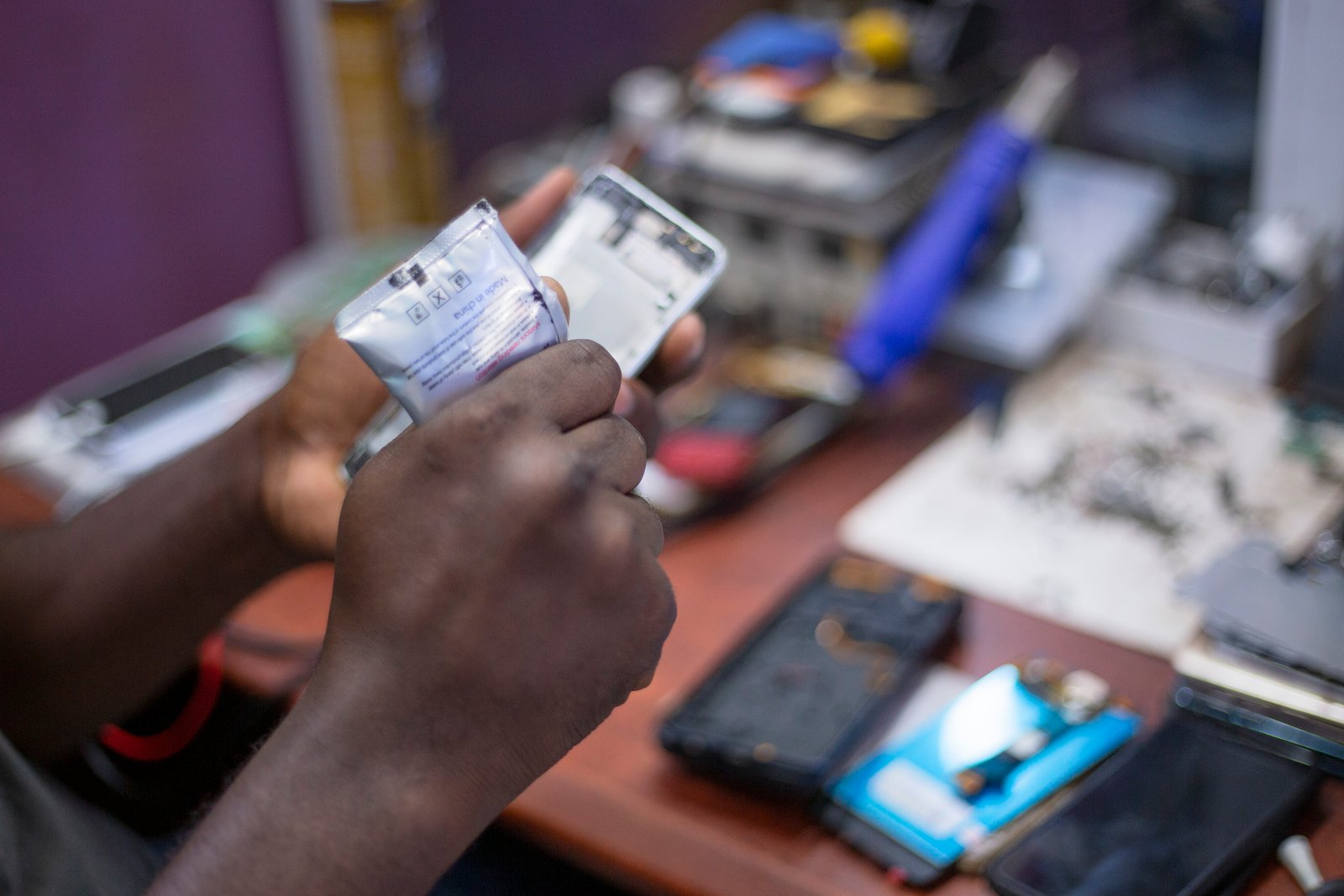
A refurbished smartphone can save a meaningful amount of money and keep a capable device in use for longer. It can also be a bad purchase if the battery is worn, the phone is still locked to another account, replacement parts are poor quality, or the seller’s “refurbished” label means little more than wiping the screen.
The safest way to buy refurbished is to treat the purchase like a technical inspection rather than a bargain hunt. This guide explains what to check before ordering, what to test during the return window, and which warning signs should make you walk away.
Understand what “refurbished” actually means
Refurbished usually means a used device has been inspected, tested, cleaned, repaired if needed, reset, and resold. The exact process varies dramatically by seller.
One company may replace a worn battery and damaged screen. Another may only verify that the phone turns on.
Look for a written refurbishment standard
A trustworthy seller should explain what is tested, which parts may be replaced, how cosmetic grades work, and what warranty is included.
Refurbished is different from simply used
A normal used phone may come directly from a previous owner with no professional inspection or warranty. That can be fine when the price is right, but the buyer takes more responsibility.
A refurbished phone should offer a more structured process and some form of seller accountability.
Start with the seller, not the phone
The same model can be a safe purchase from one seller and a risky purchase from another.
Check the company’s history, return policy, warranty, contact information, grading rules, and customer-service process.
Prefer sellers that describe specific testing
Useful checks include battery, cameras, microphones, speakers, buttons, charging, biometric sensors, display, cellular radio, Wi-Fi, Bluetooth, and account locks.
Manufacturer refurbishment is usually the easiest benchmark
When available, official refurbishment programs from companies such as Apple provide clear processes and warranty terms.
Manufacturer-refurbished devices may cost more than marketplace options, but the standards and support are easier to verify.
Carrier and large-retailer programs can also be useful
Major carriers and established retailers may sell certified pre-owned or refurbished devices with defined testing and return policies.
Read the exact terms because “certified” is not a universal technical standard.
Marketplace sellers require more checking
A large marketplace may host many independent refurbishers. The marketplace brand does not mean every seller follows the same quality level.
Review the individual seller, not only the product listing.
Check recent reviews for the exact refurbisher
Look for patterns involving battery health, fake parts, activation problems, cosmetic grading, and return handling.
Choose the right cosmetic grade
Grades such as Excellent, Very Good, Good, Grade A, or Grade B are seller-defined.
One seller’s “excellent” may allow small scratches while another’s may look nearly new.
Read the grading description
Do not pay extra for a grade name without knowing what defects are allowed.
Cosmetic wear is less important than functional condition
A small frame scratch may be harmless. A dim display, weak battery, loose charging port, damaged camera stabilization, or unreliable Face ID can affect daily use much more.
Prioritize functionality over perfect appearance when value matters.
Check the exact model number
A phone name can include several regional variants. Different versions may support different cellular bands, SIM configurations, eSIM features, or warranties.
Ask for the exact model number before buying when network compatibility matters.
Imported phones can create support problems
A phone built for another market may work on your network but lack certain bands, carrier features, or local service coverage.
Verify network compatibility
Check that the phone supports your carrier’s LTE and 5G bands and important features such as VoLTE or Wi-Fi calling where required.
Use the carrier’s official compatibility checker when available.
Check whether the phone is carrier locked
A locked device may accept SIM cards only from one network until it meets the carrier’s unlocking requirements.
“Unlocked” should be stated clearly in the listing if that is what you need.
Test with your SIM or eSIM during the return window
Do not assume activation is fine because Wi-Fi works.
IMEI status matters
The IMEI identifies the phone on cellular networks. A device reported lost, stolen, or tied to unresolved financing can be blocked.
Use a carrier or reputable official checking process where available.
Do not publish your IMEI publicly
Share it only with trusted carrier or support channels when required.
Activation locks must be removed
Apple devices can remain tied to a previous owner’s Apple Account through Activation Lock. Android devices can have factory-reset protection or manufacturer account locks.
A properly refurbished phone should arrive ready for a new owner to activate.
Never pay for a phone that asks for the previous owner’s credentials
Return it. Do not use bypass services or unofficial unlock tools.
Battery health is one of the biggest value factors
Lithium-ion batteries lose capacity over time. A three-year-old phone with its original battery may have much less runtime than when new.
Ask the seller whether it guarantees a minimum battery health or replaces batteries below a threshold.
Check battery health after arrival
On iPhone, review the Battery Health section where supported. Android battery diagnostics vary by manufacturer. You can also observe real runtime and unexpected shutdowns.
A replaced battery can be good
A properly installed high-quality replacement can make an older phone much more useful.
The important questions are who installed it, whether the part is genuine or reputable, and whether battery-health features work normally.
Beware of very cheap unknown batteries
Poor battery cells can have inaccurate capacity claims, rapid degradation, swelling, or thermal risk.
If the seller cannot explain its parts policy, consider another source.
Screen replacement quality matters
A replacement display may look fine at first but have lower brightness, poor color, weak touch response, missing high-refresh support, or unreliable fingerprint sensing.
Check whether the seller uses original, manufacturer-authorized, or aftermarket screens.
Test brightness outdoors
A low-quality display may be difficult to see in sunlight even if it looks normal indoors.
Check touch response across the entire panel
Open a drawing or notes app and drag your finger across every part of the screen.
Look for dead zones, ghost touches, and inconsistent response near the edges.
Inspect for burn-in
OLED screens can develop persistent image retention after long use.
Display solid gray, white, red, green, and blue backgrounds and look for faint navigation bars, keyboards, or icons.
Test biometric authentication
Face recognition and fingerprint sensors can be affected by poor repairs.
Set up your own biometric profile and test it repeatedly.
Missing biometric functions are a major warning sign
Do not accept “Face ID doesn’t work but everything else is fine” unless you knowingly bought a damaged phone at a price that reflects it.
Test every camera
Switch between main, ultrawide, telephoto, selfie, and macro cameras if present.
Take photos and video in bright and low light. Check autofocus, stabilization, lens haze, scratches, and unusual vibration.
Listen for camera rattling only in context
Some optical stabilization modules can make a small sound when the phone is moved. Violent shaking or blurry focus is different.
Test microphones and speakers
Record a voice memo, make a call, use speakerphone, and play music.
Check earpiece volume, bottom speakers, microphones, and noise during recording.
Check the charging port
Insert a known-good cable. It should fit securely without disconnecting when moved gently.
Wireless charging should also be tested if the phone supports it.
Lint can imitate a damaged port
A seller should clean ports, but do not dig into a connector with metal tools yourself.
Test buttons and vibration
Power, volume, mute switches, action buttons, and haptic feedback should work consistently.
Sticky or unusually loose buttons can indicate impact or poor repair.
Check proximity and ambient-light sensors
During a call, the screen should turn off when held to your ear. Automatic brightness should respond to different lighting.
Sensor problems can be caused by badly fitted replacement screens.
Check Wi-Fi and Bluetooth
Connect to your normal Wi-Fi network and pair headphones or another Bluetooth accessory.
Weak range can indicate antenna damage.
Test GPS outdoors
Open a trusted map app and check whether location locks quickly and follows movement accurately.
GPS problems can be easy to miss during an indoor inspection.
Check NFC and payments if important
If you depend on contactless payment or NFC tags, confirm the hardware works before the return period ends.
Payment setup may require normal security verification.
Water resistance is difficult to guarantee after repair
Opening a phone can affect adhesive seals. Even a professionally resealed device may not have the same real-world resistance as a new factory-sealed unit.
Do not deliberately submerge a refurbished phone to test it.
Treat water resistance as reduced confidence
Use normal care around pools, rain, and bathrooms even if the original model carried an IP rating.
Inspect the frame for signs of heavy impact
Dents near corners, gaps between frame and screen, bent chassis sections, and uneven back panels can indicate a serious drop.
Cosmetic scratches are different from structural deformation.
Check for battery swelling
A raised screen, separated back panel, or unusual gap can indicate a swollen battery.
Stop using the phone and return it or seek qualified service. Do not press the panel back into place.
Check storage capacity
Make sure the settings show the storage size you paid for.
A listing mistake between 128 GB and 256 GB is easy to catch on day one.
Verify RAM only when variants differ
Some Android models have the same name with different RAM configurations. Check the exact variant if multitasking performance matters.
Run all software updates
Install current official updates after setup. This confirms the phone can still communicate with the manufacturer’s update system.
A device on an unsupported operating-system version may have limited remaining life.
Check remaining software-support years before buying
An older flagship can be fast but close to the end of security support.
Compare the purchase price with how many useful supported years remain.
A newer mid-range phone may be a better long-term value
Do not choose an old flagship only because its original launch price was high.
Factory-reset the phone yourself after inspection
Even if the refurbisher says the phone was wiped, perform a proper reset and set it up with your own account.
This gives you a clean starting point.
Do not restore every old app immediately
Test the phone in a clean state first. That makes it easier to separate hardware problems from issues caused by old apps or settings.
Check accessories in the box
A refurbished phone may not include the original charger, cable, box, or SIM tool.
Read the listing and budget for a safe charger and cable if needed.
A generic charger can be fine if it is standards-compliant
You do not need original packaging for a good experience, but electrical accessories should be reputable and compatible.
Warranty length tells you something about seller confidence
A longer warranty is useful, but read what it covers.
Battery degradation, accidental damage, water, cosmetic defects, and third-party repair may have exclusions.
Return policy can be more important than warranty
A 14- or 30-day return window lets you discover problems that are hard to test in five minutes.
Check whether return shipping or restocking fees apply.
Test hard during the return window
Use the phone as your main device for several days. Calls, camera, GPS, charging, sleep, work apps, gaming, and travel can reveal different issues.
Document the condition when it arrives
Take photos or video while opening the package, especially for expensive devices.
This can help if the seller disputes an existing crack or dent.
Keep the packaging until you decide
Do not throw away seller labels, accessories, or return materials on the first day.
Watch for fake “new” condition
A phone described as new should not have a used battery, replacement screen, or previous activation without clear disclosure.
If the listing language is misleading, return it.
Check whether replacement parts trigger warnings
Some phones display service history or messages when the battery, screen, or camera has been replaced.
A warning does not always mean the phone is unsafe, but it tells you to investigate the repair.
Ask for repair history when buying locally
A private seller may know whether the phone was dropped, opened, or repaired.
Use the answer as one piece of evidence, not the only evidence.
Meet local sellers safely
Use a public place with reliable connectivity. Do not carry unnecessary cash. Test account locks and cellular activation before completing the sale.
Do not send deposits to unknown private sellers
Scammers may copy legitimate phone photos and request a holding payment.
Use a platform with buyer protection or an in-person process you can verify.
Compare the refurbished price with a new mid-range phone
A discounted old flagship may compete with a new mid-range device that includes a fresh battery, longer warranty, and more years of updates.
Compare the complete ownership value.
Calculate likely battery replacement cost
If the refurbisher guarantees only 80 percent battery health, include the possibility of service during your ownership period.
Consider trade-in value
A well-known flagship may retain more trade-in value than a budget phone, but condition matters.
Do not overpay today based on an uncertain future resale price.
Be cautious with financing
A second-hand phone linked to unpaid financing can create problems in some markets.
Buy from sellers that guarantee a clear device status.
Check dual-SIM and eSIM features
If you travel or use two numbers, verify the exact SIM configuration for the regional model.
Physical SIM slots and eSIM support can differ between countries.
Check repair availability in your location
A rare imported phone may be difficult to repair even if its purchase price is attractive.
Search for battery and screen availability before buying.
A one-hour arrival test
Inspect the frame and display. Check model and storage. Set up your account. Test battery health. Test cameras, speakers, microphones, buttons, charging, Wi-Fi, Bluetooth, GPS, biometric unlock, and cellular service. Check for software updates and activation locks.
A three-day real-life test
Use normal apps, take photos, make calls, navigate, stream video, charge overnight, and observe battery drain and heat.
Write down unexpected behavior while the return option is still open.
A practical refurbished-phone checklist
Choose a reputable seller. Read the refurbishment standard. Confirm exact model and network support. Verify unlocked status and IMEI. Ensure previous-account locks are removed. Check battery-health guarantee. Review screen and parts policy. Read warranty and return terms. Inspect and test every major hardware function. Update software. Calculate remaining support years and total cost.
Conclusion
A refurbished phone can be an excellent value when the seller is trustworthy and the device passes a real inspection. The biggest risks are not cosmetic scratches. They are account locks, bad batteries, poor replacement parts, unsupported regional models, hidden structural damage, and weak return protection.
Start with the seller. Verify the exact model and network status. Test the battery, display, cameras, radios, sensors, charging, and biometric features during the return window. Check how many years of software support remain.
If the phone passes those checks, a refurbished flagship can deliver years of useful service for much less than its original price. If the seller makes basic facts difficult to verify, the discount is not worth the uncertainty.

Leave a Reply