 by
How to Understand a Data Breach Notice and Protect Your Accounts
This guide explains data breach notice guide with practical steps for people in different countries. Start with the real problem and the data or device in front of you. The goal is to make a safe, informed choice rather than follow a vague promise.
Check whether the message is genuine
Scammers often copy the look of a breach notice. Before clicking links, open the service’s official website or app and check its security updates.
Do not enter a password from an unexpected email just because the subject says ‘urgent security incident.’
What this looks like in daily life
Imagine you need to handle this during an ordinary workday, with little time and several tasks open. Check the part that matters, record your result, and pause if the evidence is unclear. A small check now is easier than fixing a mistake after sharing or paying.
Find the affected service
Identify which account, product, or time period the notice covers. If you have several accounts with a company, check which one may be affected.
A broad headline may not apply to every customer. Read the precise scope before changing unrelated systems.
What this looks like in daily life
Try the step first with a low-risk item you already understand. Compare the outcome with the service’s documented behavior. If the result differs, look for a setting or version difference instead of guessing at a fix.
Understand what data was involved
An exposed email address is different from an exposed password, payment card, or identity document. The type of data guides the response.
Do not assume that an encrypted password was readable, or that every data field was taken. Look for what the organization confirmed.
What this looks like in daily life
Before moving on, ask whether another person could follow the same steps from your notes. Include the source, date, and any warning you saw. This makes it easier to review your choice if the product or rules change.
Change passwords where needed
If credentials may be affected, change the password through the real service. Use a unique password you do not reuse elsewhere.
When a password was reused, update the other affected accounts too. A password manager can help create distinct credentials.
What this looks like in daily life
Imagine you need to handle this during an ordinary workday, with little time and several tasks open. Check the part that matters, record your result, and pause if the evidence is unclear. A small check now is easier than fixing a mistake after sharing or paying.
Enable strong sign-in checks
Use supported multi-factor authentication or passkeys for accounts that offer them. Review account recovery email and phone settings.
Extra sign-in checks reduce some risks but do not undo identity exposure or fraudulent messages.
What this looks like in daily life
Try the step first with a low-risk item you already understand. Compare the outcome with the service’s documented behavior. If the result differs, look for a setting or version difference instead of guessing at a fix.
Review active sessions
Many services show devices or sessions that are signed in. End unknown sessions and update security settings if anything looks wrong.
Write down the date of suspicious activity and report it through the official support channel.
What this looks like in daily life
Before moving on, ask whether another person could follow the same steps from your notes. Include the source, date, and any warning you saw. This makes it easier to review your choice if the product or rules change.
Watch for targeted scams
A breach can give criminals enough context to write believable emails. They may mention a real subscription or address.
Treat unexpected account-reset, delivery, and payment messages carefully even if they contain correct personal details.
What this looks like in daily life
Imagine you need to handle this during an ordinary workday, with little time and several tasks open. Check the part that matters, record your result, and pause if the evidence is unclear. A small check now is easier than fixing a mistake after sharing or paying.
Check financial activity
If a card or financial account was affected, follow your bank or card issuer’s instructions and review transactions. Report unfamiliar charges promptly.
Do not send full card details to a person who phones you claiming to be a breach investigator.
What this looks like in daily life
Try the step first with a low-risk item you already understand. Compare the outcome with the service’s documented behavior. If the result differs, look for a setting or version difference instead of guessing at a fix.
Be thoughtful about credit monitoring
Some notices include monitoring services. Read what is covered and how long it lasts; availability differs by country.
Protect identity documents through the official local processes relevant to your jurisdiction.
What this looks like in daily life
Before moving on, ask whether another person could follow the same steps from your notes. Include the source, date, and any warning you saw. This makes it easier to review your choice if the product or rules change.
Keep the notice as evidence
Save the original notice, relevant support replies, and any action you took. This helps if you later need to explain a disputed charge.
Store the record privately. Do not post a screenshot that shows account IDs or reset links.
What this looks like in daily life
Imagine you need to handle this during an ordinary workday, with little time and several tasks open. Check the part that matters, record your result, and pause if the evidence is unclear. A small check now is easier than fixing a mistake after sharing or paying.
Tell the right people
For a work account, inform the security or IT team. For a family account, help the account owner check settings without asking for their password.
Shared responsibility is more effective than forwarding frightening headlines with no useful steps.
What this looks like in daily life
Try the step first with a low-risk item you already understand. Compare the outcome with the service’s documented behavior. If the result differs, look for a setting or version difference instead of guessing at a fix.
Learn from official consumer advice
The FTC identity-theft guidance is one example of official consumer resources; reporting routes and legal rights differ around the world.
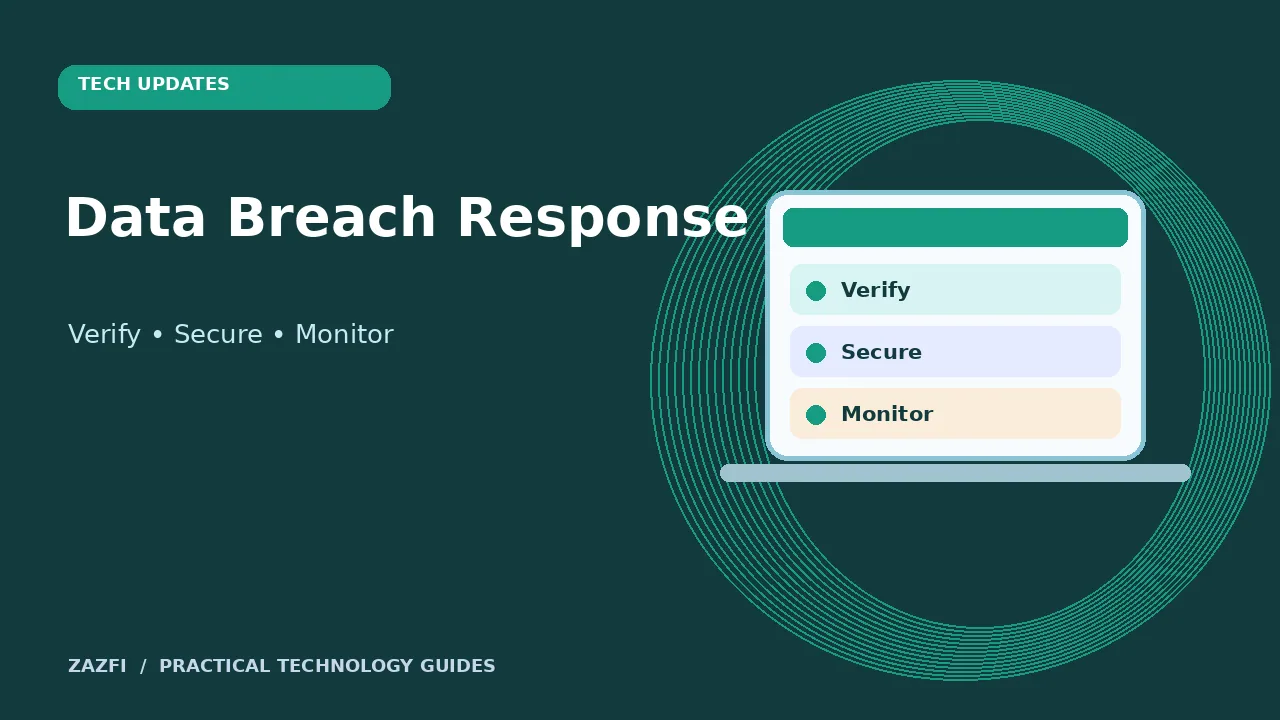
The useful response is specific: verify the notice, secure affected accounts, and monitor for the kinds of misuse the exposed data permits.
What this looks like in daily life
Before moving on, ask whether another person could follow the same steps from your notes. Include the source, date, and any warning you saw. This makes it easier to review your choice if the product or rules change.
Key points to remember
- Start with the current official source.
- Check dates, limits, and product differences.
- Keep personal data private.
- Use a small test where possible.
- Write down anything that still needs confirmation.
Conclusion
No one setting or short checklist will fit every device or country. Use these steps as a starting point, then verify the details that matter to your situation. A clear record of what you checked is more useful than an unsupported claim of certainty.