 by
by How to Remove Hidden Details From Photos Before Sharing Online
This guide explains remove photo metadata with practical steps for people in different countries. Start with the real problem and the data or device in front of you. The goal is to make a safe, informed choice rather than follow a vague promise.
Know what a photo can reveal
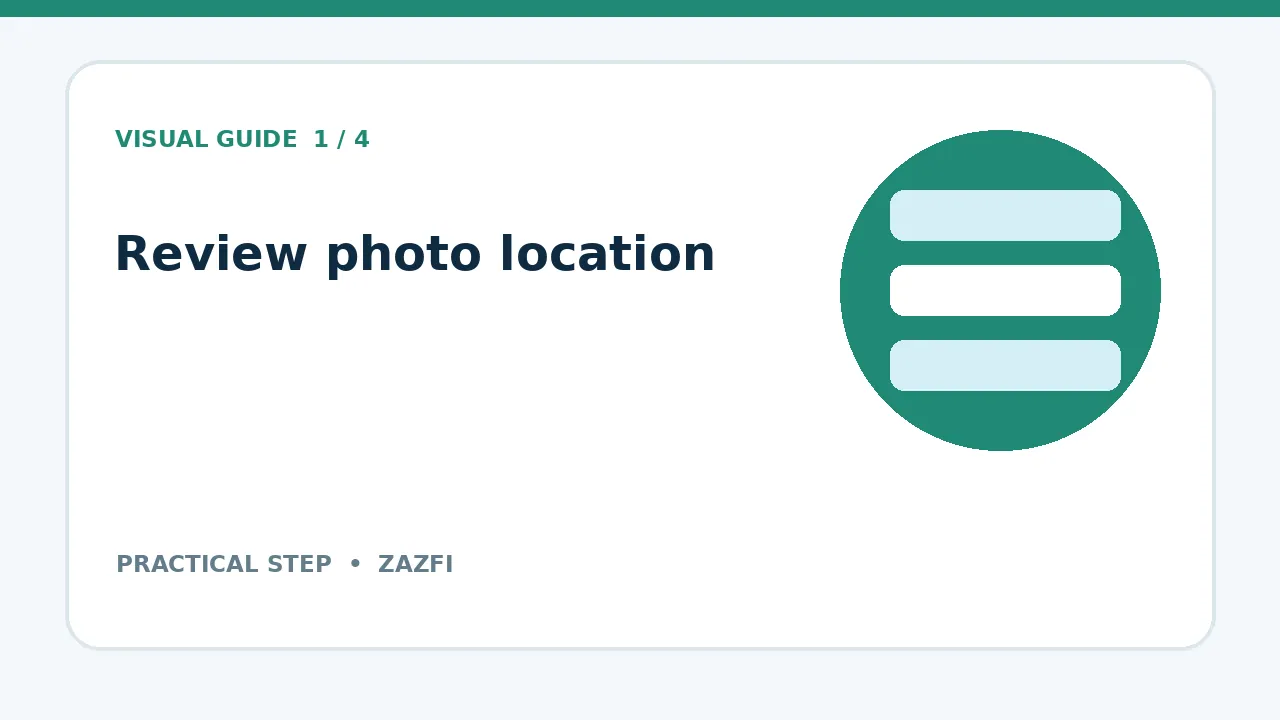
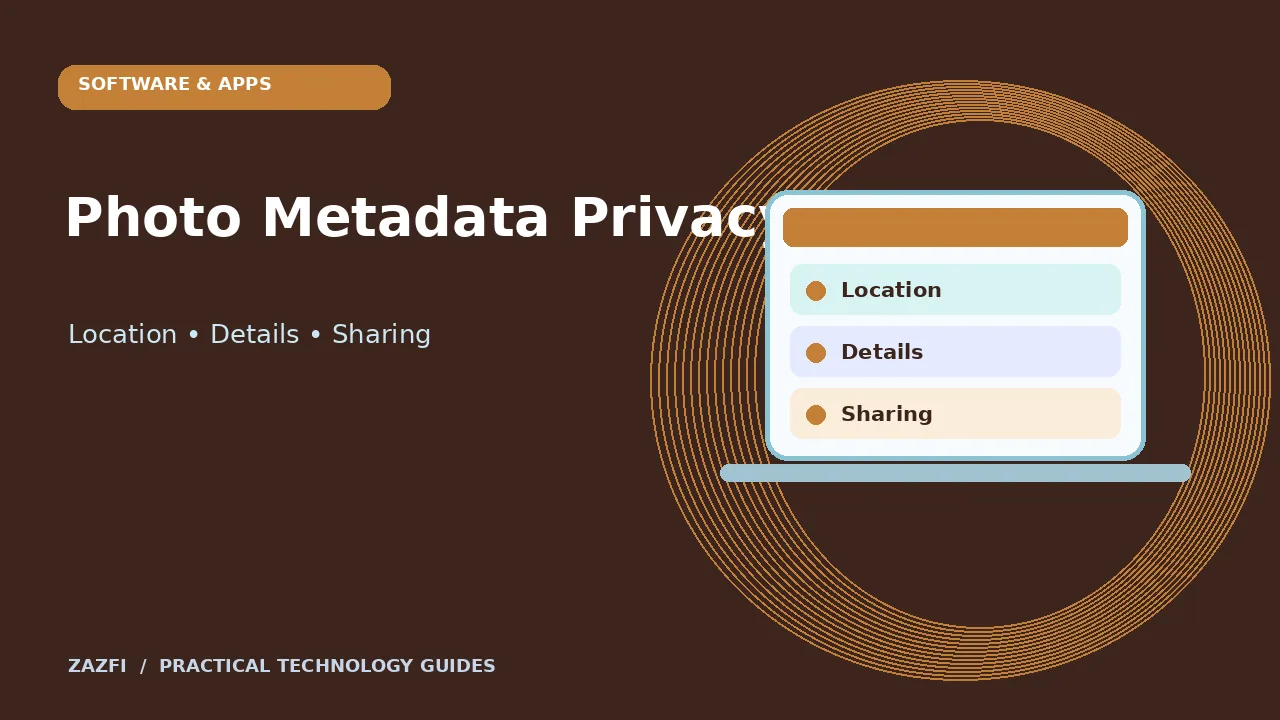
Image files may contain a time, camera model, and location coordinates. This extra information is often called metadata or EXIF data.
Not every photo carries location data. Some apps remove it during sharing, while others keep some details. Check the file you plan to send.
What this looks like in daily life
Imagine you need to handle this during an ordinary workday, with little time and several tasks open. Check the part that matters, record your result, and pause if the evidence is unclear. A small check now is easier than fixing a mistake after sharing or paying.
Review the photo’s information
Open the image in your phone’s photo app and look for an info or details view. Check location, date, and other embedded fields.
If a map appears, decide whether that location is appropriate for the recipient. A home address deserves more care than a public landmark.
What this looks like in daily life
Try the step first with a low-risk item you already understand. Compare the outcome with the service’s documented behavior. If the result differs, look for a setting or version difference instead of guessing at a fix.
Turn off location recording when needed
Many cameras let you control whether location is saved with each new photo. Find the setting in your camera or location permissions.
Turning it off may make it harder to organize trips later, so choose based on how you use photos rather than treating one setting as right for everyone.
What this looks like in daily life
Before moving on, ask whether another person could follow the same steps from your notes. Include the source, date, and any warning you saw. This makes it easier to review your choice if the product or rules change.
Understand visible information
Removing EXIF data does not hide a street sign, school badge, house number, or face that appears in the image.
Zoom in and inspect the whole frame. Crop or blur private details when the context requires it.
What this looks like in daily life
Imagine you need to handle this during an ordinary workday, with little time and several tasks open. Check the part that matters, record your result, and pause if the evidence is unclear. A small check now is easier than fixing a mistake after sharing or paying.
Make a separate sharing copy
Keep the original photo in your personal archive and create a copy for posting. This preserves the source while giving you room to crop and clean the public version.
Use a simple file name that does not include a private location or person’s full name.
What this looks like in daily life
Try the step first with a low-risk item you already understand. Compare the outcome with the service’s documented behavior. If the result differs, look for a setting or version difference instead of guessing at a fix.
Use a trusted editing tool
Check whether your phone or computer can remove location data from an export. Prefer built-in tools to unknown upload-based metadata removers.
An online tool may receive the original file before removing anything. For sensitive images, an offline method reduces exposure.
What this looks like in daily life
Before moving on, ask whether another person could follow the same steps from your notes. Include the source, date, and any warning you saw. This makes it easier to review your choice if the product or rules change.
Verify the exported file
Open the final copy’s information panel. Check whether GPS coordinates or other unwanted fields remain.
A successful-looking dialog is not proof that the file changed. Verification takes a few seconds and catches export settings that keep metadata.
What this looks like in daily life
Imagine you need to handle this during an ordinary workday, with little time and several tasks open. Check the part that matters, record your result, and pause if the evidence is unclear. A small check now is easier than fixing a mistake after sharing or paying.
Think about clouds and chat apps
A photo may exist in cloud backup before you strip metadata from a sharing copy. Removing data from the exported file does not erase old copies.
If you already shared a sensitive photo, use the platform’s delete or privacy controls and contact the recipient when necessary.
What this looks like in daily life
Try the step first with a low-risk item you already understand. Compare the outcome with the service’s documented behavior. If the result differs, look for a setting or version difference instead of guessing at a fix.
Separate consent from metadata
A clean file can still be inappropriate to post if it shows someone who did not agree to appear online. Ask permission in situations where privacy matters.
For children, private events, and medical settings, consider whether sharing the image is necessary at all.
What this looks like in daily life
Before moving on, ask whether another person could follow the same steps from your notes. Include the source, date, and any warning you saw. This makes it easier to review your choice if the product or rules change.
Check screenshots too
A screenshot may include notifications, browser tabs, account names, or private chat content. It usually poses a different privacy problem from camera GPS data.
Review edges and status bars before sending. Redact information rather than assuming viewers will not notice it.
What this looks like in daily life
Imagine you need to handle this during an ordinary workday, with little time and several tasks open. Check the part that matters, record your result, and pause if the evidence is unclear. A small check now is easier than fixing a mistake after sharing or paying.
Use a repeatable release process
For work photos, save a clean copy, inspect the visible scene, check metadata, and have the owner approve the image when required.
A small checklist is easier to follow than deciding privacy rules from scratch for each social post.
What this looks like in daily life
Try the step first with a low-risk item you already understand. Compare the outcome with the service’s documented behavior. If the result differs, look for a setting or version difference instead of guessing at a fix.
Find platform-specific help
Apps change how they preserve photo metadata. Review the current settings for the app through which you will share.
The Apple Photos sharing guide describes options for sharing image information on supported devices.
What this looks like in daily life
Before moving on, ask whether another person could follow the same steps from your notes. Include the source, date, and any warning you saw. This makes it easier to review your choice if the product or rules change.
Key points to remember
- Start with the current official source.
- Check dates, limits, and product differences.
- Keep personal data private.
- Use a small test where possible.
- Write down anything that still needs confirmation.
Conclusion
No one setting or short checklist will fit every device or country. Use these steps as a starting point, then verify the details that matter to your situation. A clear record of what you checked is more useful than an unsupported claim of certainty.