 by
by Why Software Supply Chain Security Matters to Everyday App Users
Why Software Supply Chain Security Matters to Everyday App Users can sound more complex than it needs to be. This guide turns the issue into steps readers can use in real life. It explains what to check, when to stop, and how to judge a result without guesswork.
A trusted app can still depend on other code
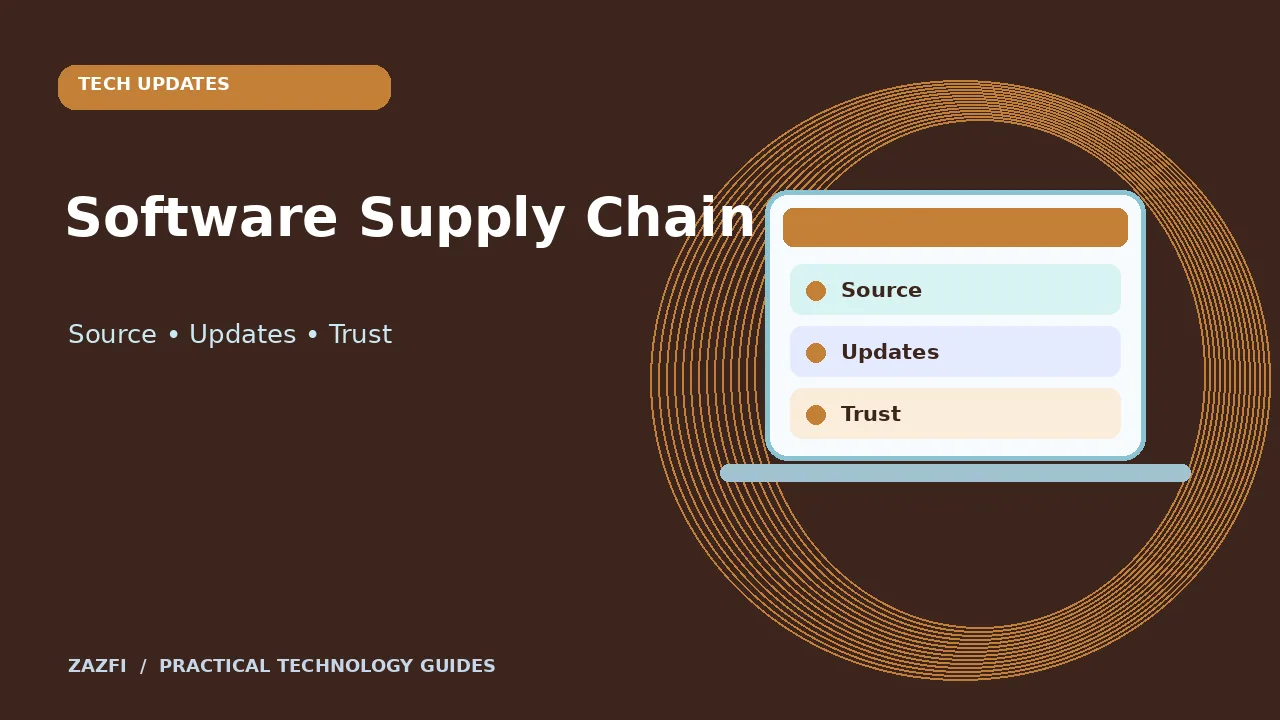
Modern apps use libraries, services, build tools, and updates from other teams. The result can be useful and efficient, but it means a flaw in one small part may affect many apps. This is often called software supply chain risk.
For a regular user, the practical question is simple: how can you lower risk when you cannot inspect every line of code? The answer begins with trustworthy sources and a habit of keeping systems current.
Practical example
Take one example from your own day and write the intended result in a short sentence. Check the source or setting before you change anything. Keep a record of what you found so you can return to it later.
Understand the chain behind an update
An app publisher writes code, includes third-party parts, builds a package, signs it, and sends it through a store or update service. Problems can enter at any of those steps.
A malicious download site may offer a changed installer. A stolen publisher account may spread a harmful update. A library can have a hidden flaw. These cases need different fixes, so avoid treating every security warning as the same event.
Practical example
If you are working with a family member or colleague, show them the exact screen or document, not just your conclusion. Ask what they expect to happen. Compare that expectation with the result and correct any mismatch.
Choose official download paths
The safest general starting point is the developer’s official site or the platform’s established app store. Check the publisher name and the address carefully. Avoid ads that lead to lookalike installer sites.
Even a store listing is not a promise of perfect safety. Read permissions and recent notices from the publisher. Use caution when an app has no clear company details or support page.
Practical example
Start with a test that cannot erase data or spend money. When the task involves an account or important file, use an official help page and check the outcome before moving to the next step.
Keep updates automatic when appropriate
Security fixes often arrive as normal updates. For most personal apps, enabling automatic updates is a sensible way to reduce known risks. Work systems may need testing and approval before a change.
Do not ignore a critical security notice because the app still seems to work. Check the official release notes if an update is unusually large or changes account access.
Practical example
Take one example from your own day and write the intended result in a short sentence. Check the source or setting before you change anything. Keep a record of what you found so you can return to it later.
Look for a clear security contact
Responsible app publishers usually provide a way to report bugs or security issues. Some also publish advisories or a security page. This does not prove they never have flaws, but it makes response and communication easier.
If you find a suspicious behavior, contact the provider through a verified support path. Do not send private data or passwords to someone who replies from an unknown account.
Practical example
If you are working with a family member or colleague, show them the exact screen or document, not just your conclusion. Ask what they expect to happen. Compare that expectation with the result and correct any mismatch.
Know what software signing does
Signed packages can help an operating system verify who supplied an update and whether a package changed. Signing does not prove that the code is safe or error-free.
If a computer warns that an installer is unsigned or its publisher cannot be verified, stop and confirm the download source. Do not disable security prompts simply to finish a rushed installation.
Practical example
Start with a test that cannot erase data or spend money. When the task involves an account or important file, use an official help page and check the outcome before moving to the next step.
Be careful with browser extensions
Extensions can read web pages or change browser behavior based on their permissions. Install only what you need and review access to sites and data. Remove extensions you no longer use.
An extension that helps format text should not automatically need broad access to every banking page. Some permissions are necessary for the feature, but the request should match what the extension does.
Practical example
Take one example from your own day and write the intended result in a short sentence. Check the source or setting before you change anything. Keep a record of what you found so you can return to it later.
What to do after a security advisory
First identify whether you use the affected product and version. Read the official advisory for the required action. Update, disable the affected feature, or follow temporary steps where advised.
Do not forward a warning as fact without checking its source and date. A fake security alert can be used to push harmful software. Open the vendor’s site independently.
Practical example
If you are working with a family member or colleague, show them the exact screen or document, not just your conclusion. Ask what they expect to happen. Compare that expectation with the result and correct any mismatch.
Make backups before major changes
Even a legitimate update can fail because of power loss or incompatible settings. Keep a working backup of important files and, for work systems, a clear recovery plan.
Test that you can restore a sample file. A backup that has never been checked may not help when you need it.
Practical example
Start with a test that cannot erase data or spend money. When the task involves an account or important file, use an official help page and check the outcome before moving to the next step.
Questions to ask a software vendor
If an app handles important business records, ask how updates are delivered, how security issues are reported, and what happens when a major flaw is found. You do not need a long technical audit to start a useful conversation.
The CISA software acquisition guidance offers a deeper reference for organizations. For personal use, the same broad idea applies: choose software you can update and support.
Practical example
Take one example from your own day and write the intended result in a short sentence. Check the source or setting before you change anything. Keep a record of what you found so you can return to it later.
Separate risk from fear
A public flaw report is not proof that every customer was harmed. The practical response depends on affected versions, whether a fix exists, and what data the app can reach.
Read an advisory carefully and act on the specific steps. Avoid spreading panic or making promises about safety that no publisher can support.
Practical example
If you are working with a family member or colleague, show them the exact screen or document, not just your conclusion. Ask what they expect to happen. Compare that expectation with the result and correct any mismatch.
A simple routine for everyday devices
Once a month, check major app updates, remove unused extensions, and confirm that backups work. Review the source of any new tool before installing it. Keep an eye on genuine vendor notices.
These habits do not remove all risk. They do make it harder for a bad download or stale software component to cause avoidable harm.
Practical example
Start with a test that cannot erase data or spend money. When the task involves an account or important file, use an official help page and check the outcome before moving to the next step.
Quick checklist
- Check the original source and its date.
- Make a safe test before a major change.
- Protect sensitive information.
- Keep a record of the result.
- Ask a trusted expert when the stakes are high.
Final thoughts
Good technology habits do not need to be difficult. Use clear evidence, make one safe change at a time, and stop when something does not match the expected result. The best workflow is one you can explain to another person and repeat without extra risk.